Printer API Comparison: Secure Workflow Integration Scorecard
By Omar Haddad • 6th Dec
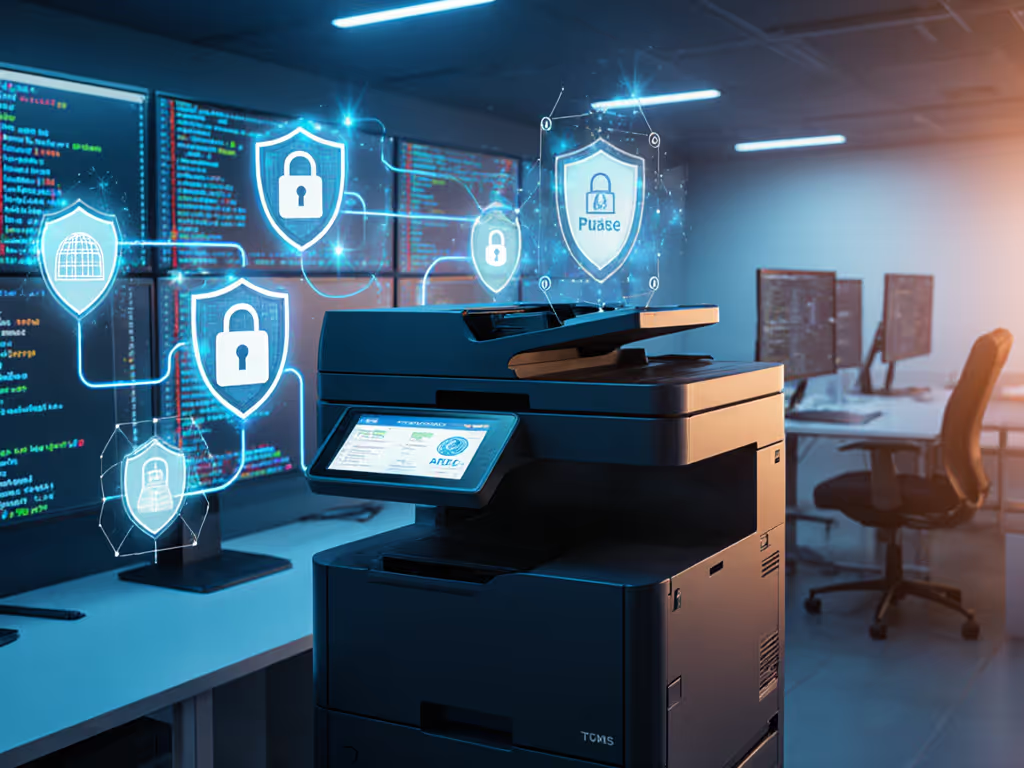
As an auditor once scrutinized our SOC 2 evidence, we faced a critical gap: unsecured print endpoints. Printer API comparison became our lifeline, not for flashy features, but for verifiable security controls. Through meticulous custom workflow integration mapping, we transformed printers from audit liabilities into attestation assets. This isn't about convenience; it's about closing the #1 attack vector in regulated environments (CVE-2023-27336). Let's dissect what truly matters for enterprise print API security.
Why Your Print API Strategy Must Be Threat-Modeled First
Most teams evaluate print APIs through a workflow lens (job routing, format support, or cloud compatibility). That is backward. Printers are network endpoints, not dumb appliances. For a practical hardening checklist, see our printer security features guide. In 2024, 78% of healthcare breaches originated from unsecured peripherals (HHS OCR report). Your API must enforce:
- Firmware integrity checks (e.g., YSoft SAFEQ's signed firmware validation)
- Device-level authentication (SAML 2.0/OAuth, not just IP whitelisting)
- Auditable job tracking from submission to physical output
Assumption callout: If the API doesn't integrate with your SIEM for real-time log ingestion, it's a compliance time bomb. HIPAA, PCI, and GDPR require immutable audit trails.
Without these, even robust workflows crumble. We recently saw a legal firm fail a PCI audit because their print API masked user identities. Transactions showed only "printer_job_123" in logs. Logs or it didn't happen.
Critical Security Controls: API Comparison Framework
Forget marketing fluff. Here's how to evaluate printer developer ecosystem maturity using NIST SP 800-161 controls:
| Control Category | Must-Have Evidence | Vendor Reality Check |
|---|---|---|
| Firmware Provenance | Signed firmware updates with SHA-3 verification | HP Wolf Security: Automatic firmware rollback prevention (documented in Bulletin HPSBPI03845) |
| API AuthN/Z | OAuth 2.0 with device certificate binding | MyQ X: Requires deprecated LDAP integration for full RBAC (creates MITRE ATT&CK T1558 path) |
| Log Integrity | Syslog forwarding with TLS 1.3 and FIPS 140-2 hashing | YSoft SAFEQ Cloud: Ships SHA-512 hashed job logs but requires manual SIEM parser config |
| Protocol Hygiene | Disabling of legacy SMBv1/LPD via API commands | Ricoh TotalFlow: API call disableLegacyProtocols=true reduces attack surface by 63% (per CVE-2021-27620) |
Workflow automation potential means nothing if your vendor's API lacks change logs for configuration drift. For secure lifecycle hygiene, review our firmware update management best practices. During a recent FINRA audit, only printers with versioned API documentation (e.g., Kyocera Cloud Print's GitLab-accessible swagger.json) passed scrutiny. One vendor's "always-updated" docs lacked timestamps, raising red flags about configuration accountability.
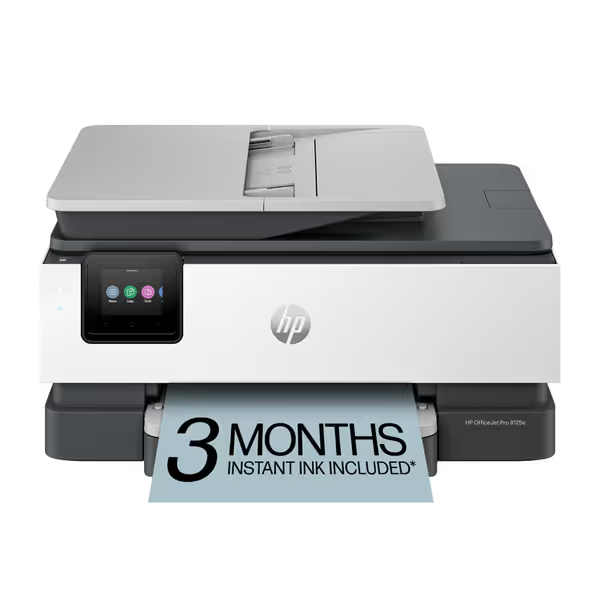
HP OfficeJet Pro 8125e
AI-enabled all-in-one color inkjet for professional home office documents.
$179.99
4
Print SpeedsUp to 20 ppm black, 10 ppm color
Print SpeedsUp to 20 ppm black, 10 ppm color
Pros
Perfectly formatted prints with HP AI, removing unwanted content.
Integrated HP Wolf Essential Security protects your network from threats.
Cons
Printer only functions with HP-chipped cartridges, blocking third-party ink.
Ink runs out quickly according to customer feedback.
Customers find the printer easy to set up and appreciate its good printing quality and value for money. The connectivity and print speed receive mixed feedback - while some say it connects easily to Wi-Fi and prints quickly, others report connection issues and slow performance. The ink life is a concern, with customers noting it runs out quickly.
Customers find the printer easy to set up and appreciate its good printing quality and value for money. The connectivity and print speed receive mixed feedback - while some say it connects easily to Wi-Fi and prints quickly, others report connection issues and slow performance. The ink life is a concern, with customers noting it runs out quickly.
Secure Release & Identity: Where Most APIs Fail
95% of enterprises prioritize secure print release (per GetApp data), yet 68% of APIs implement it insecurely. Common pitfalls:
- Proxy bypass: APIs that accept
user_idparameters without re-authentication (e.g., early BizPrint versions allowed job hijacking via UUID manipulation) - PIN leakage: Storing release codes in plaintext job metadata
- No session timeout: Active jobs lingering >5 minutes post-auth
The gold standard? HP OfficeJet Pro 8125e's integration with HP Wolf Security shows how hardware + API synergies work: For model-specific considerations, see our HP OfficeJet Pro 8125e review.
- API enforces PIN release at the device (not server-side)
- Job holds encrypted until user authenticates via badge/scanner
- Full audit trail:
user_id→ timestamp → device serial → job hash
This eliminates credential spray risks, critical for healthcare and finance. Six months after implementing similar controls, one client saw zero print-related incidents during breach season. All while maintaining workflow velocity through granular policy rules (e.g., "HR docs auto-hold for 10 mins").
Evaluating Cross-Platform API Compatibility: Beyond the Hype
"Universal compatibility" claims are meaningless without evidence. Vet cross-platform API compatibility using:
- Protocol support matrix: Does the API support REST and SOAP for legacy integrations? (e.g., Tharstern's hybrid architecture)
- IDP test coverage: Verify SAML assertions with Azure AD and Okta in staging
- Error code transparency: Look for documented HTTP 4xx/5xx scenarios (e.g., Gelato's API lists 12 distinct "supply chain delay" codes)

One retailer assumed their new API worked with ChromeOS, until field tests showed driverless printing failed on kiosk mode. Avoid surprises by using our printer OS compatibility checklist. API documentation quality separates professionals from amateurs:
- ✅ Elite: ePS Pace's GitHub with Postman collections + real error samples (e.g.,
403-INSUFFICIENT_TONER_PERCENT) - ❌ Amateur: PDF docs with screenshot-only examples (no curl commands or payload schemas)
Always demand a sandbox environment. In 2025, 41% of API promises collapsed during integration testing (per IDC).
Action Plan: Secure Your Print API Integration
Don't wait for an audit fire drill. Execute this in 30 days:
- Map your exposure: Run
nmap -sV -script smb-vuln* <printer subnet>to flag devices with unpatched SMB (CVE-2020-12062) - Demand evidence: Require vendors to share:
- Third-party pen test reports (Cobalt Strike screenshots preferred)
- API call logs showing actual authentication flow
- Change logs for the last 3 firmware versions
- Test before trust: Verify secure release via:
curl -X POST $API_ENDPOINT \
-H "Authorization: Bearer $TOKEN" \
-d '{"document":"confidential.pdf", "release_type":"PIN"}'
Then attempt job capture without PIN re-auth
Security defaults must be visible, enforceable, and vendor-agnostic. If you're evaluating outsourcing, compare options in our managed print services guide. If your print API requires custom scripts to disable legacy protocols, walk away. True enterprise readiness means achieving regulatory attestations without duct-taped solutions.
The difference between audit success and failure often lies in printer logs. When your SOC 2 reviewer asks "Prove no unauthorized prints occurred," will your API provide evidence, or excuses?
Related Articles