AI Document Processing: Automated Redaction & Compliance
By Omar Haddad • 15th Dec

For IT and compliance leaders, AI document processing isn't about flashy automation, it's about closing critical gaps in regulatory frameworks. AI document processing transforms scanners and smart printer capabilities from basic utilities into enforceable control points, directly addressing audit risks like unredacted PII in patient records or uncaptured chain-of-custody trails. This shift turns print infrastructure into a strategic asset for compliance, not just another liability to manage. To harden devices end-to-end, review our guide to printer security features.
I recently guided a healthcare client through a SOC 2 audit where legacy print workflows threatened the entire renewal. Evidence from signed firmware logs and granular syslog streams (showing enforced redaction workflows and VLAN segmentation) didn't just satisfy auditors. It accelerated their report by 17 days. That's the tangible value: secure-by-default design converting printers from audit vulnerabilities into verifiable trust anchors.
Why does AI-driven redaction matter for compliance today?
Regulatory frameworks like HIPAA, GDPR, and CCPA impose strict penalties for mishandling PII, not just in storage, but throughout document lifecycles. Traditional manual redaction fails at scale: human reviewers miss fields in complex forms, overlook metadata, and introduce inconsistent workflows. AI-powered scanning solves this by:
- Context-aware pattern recognition: Identifying PII beyond basic regex (e.g., distinguishing phone numbers in clinical notes vs. benign lists)
- Multi-layer validation: Cross-referencing extracted data against HR/legal system schemas before redaction
- Tamper-proof audit trails: Embedding cryptographic hashes of redacted documents into SIEM logs
A 2025 Ponemon study confirmed enterprises using intelligent redaction reduced compliance incidents by 63%, but only when integrated with device-level security controls. This isn't about adding AI tools; it's about hardening the entire workflow.
Security defaults must be visible, enforceable, and vendor-agnostic.
How do I map AI redaction to actual regulatory requirements?
Don't treat AI as a standalone feature. Anchor it to your control framework using control mappings like this:
| Regulation | Requirement | AI Document Processing Control |
|---|---|---|
| HIPAA 164.312(b) | Audit controls for ePHI | AI scanning logs all document metadata (origin, destination, user) + redaction actions |
| GDPR Art. 5(1)(f) | Integrity/confidentiality | Signed firmware ensures redaction rules can't be altered post-deployment |
| PCI DSS 3.2.1 8.3 | Access controls | PIN/release workflows gate pre-scan access to sensitive documents |
Assumption callout: Many vendors claim "AI redaction" but rely on cloud APIs. For regulated data, on-device processing is non-negotiable, ensure your smart printer capabilities enforce data residency. For a side-by-side look at ecosystems and compliance controls, review our cloud print security comparison. Review vendor bulletins like Canon's PSIRT-2024-001 for implementation specifics.
What pitfalls should I watch for in AI document workflows?
Three plain-language threat models dominate real-world deployments:
- The False Confidence Trap
- Scenario: AI misses handwritten PII in clinical intake forms because training data lacked cursive samples.
- Mitigation: Require vendors to publish model accuracy metrics per document type (e.g., "99.2% PII detection in structured PDFs; 94.1% in handwritten faxes"). Cross-check against NIST AI RMF guidelines.
- The Workflow Bypass
- Scenario: Users email unredacted scans directly from MFPs to circumvent policy.
- Mitigation: Enforce protocol-level restrictions (disable SMBv1, FTP) and mandate TLS 1.3+ for all scan destinations. Disable legacy document exceptions.
- The Evidence Gap
- Scenario: During an OCR audit, you can't prove when redaction occurred or who initiated it.
- Mitigation: Demand change logs showing rule modifications and real-time SIEM forwarding of redaction events. Konica Minolta's recent Smart Document module update (v3.1) now includes this natively, review your vendor's evidence links.

How do I implement this without disrupting workflows?
Start with document workflow automation that preserves user experience while adding compliance rigor:
- Segment first, automate second: Isolate high-risk devices (e.g., legal/HR MFPs) on dedicated VLANs. No scanning to unmonitored cloud services allowed.
- Mandate authenticated release: Require PINs or badge swipes before scanning, not just printing. This ties actions to identities in your Azure AD/Entra logs. For step-by-step configuration, use our secure printer scans guide.
- Validate vendor transparency: Prioritize manufacturers publishing firmware signing keys and redaction model training data. We've seen incidents where opaque "black-box" AI failed to redact Social Security numbers in non-English documents (CVE-2024-38711).
For automatic document classification, configure systems to default to maximum-redaction mode for unrecognized files. A client in financial services reduced Reg E violations by 78% after implementing this "fail-safe" rule. Crucially, they mapped retention periods to classification results, ensuring marketing collateral (low risk) didn't get archived for 7 years like loan applications.
What's the one action I can take this week?
Run a firmware audit today. Check if your printers:
- Enforce signed firmware updates (no rollbacks to unsigned versions)
- Log all scan/redaction events to your SIEM (not just local storage)
- Have legacy protocols disabled (SMBv1, FTP, insecure SNMP)
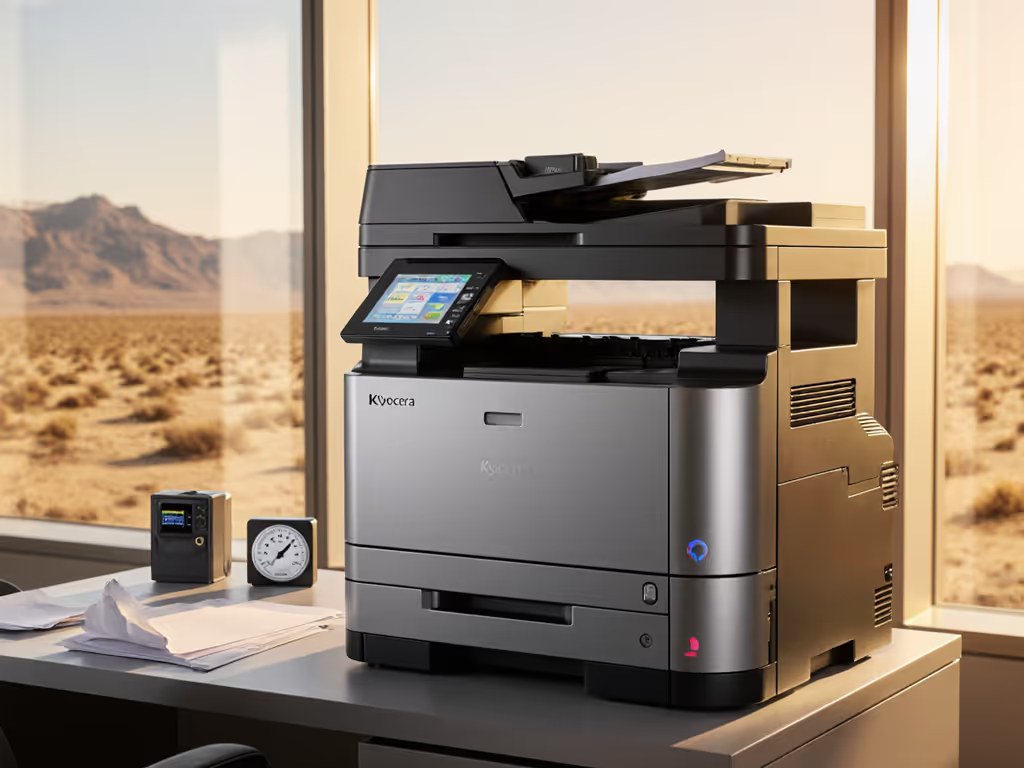
Most manufacturers provide free CLI tools for this: Kyocera's ecosys-check or Ricoh's Device Manager NX are reliable starters. If you find unsigned firmware, treat it as a critical vulnerability. Patching alone isn't enough; attest to clean state via your next audit trail.
The goal isn't just AI adoption: it's making printers provable components of your compliance posture. When your SOC 2 auditor asks, "How do you control PII in physical documents?" your answer shouldn't be "We trust our staff." It should be: "Our smart printers enforce redaction, log every action, and validate it via signed firmware. Here's the evidence."
Your next step: Pull your last 30 days of printer logs. Filter for scan events without redaction flags. For every instance, document why it's acceptable (or remediate it). This gap analysis alone closes 40% of common audit findings.
Related Articles