Seasonal Print Security: Prevent Peak Volume Disruptions
By Omar Haddad • 5th Dec
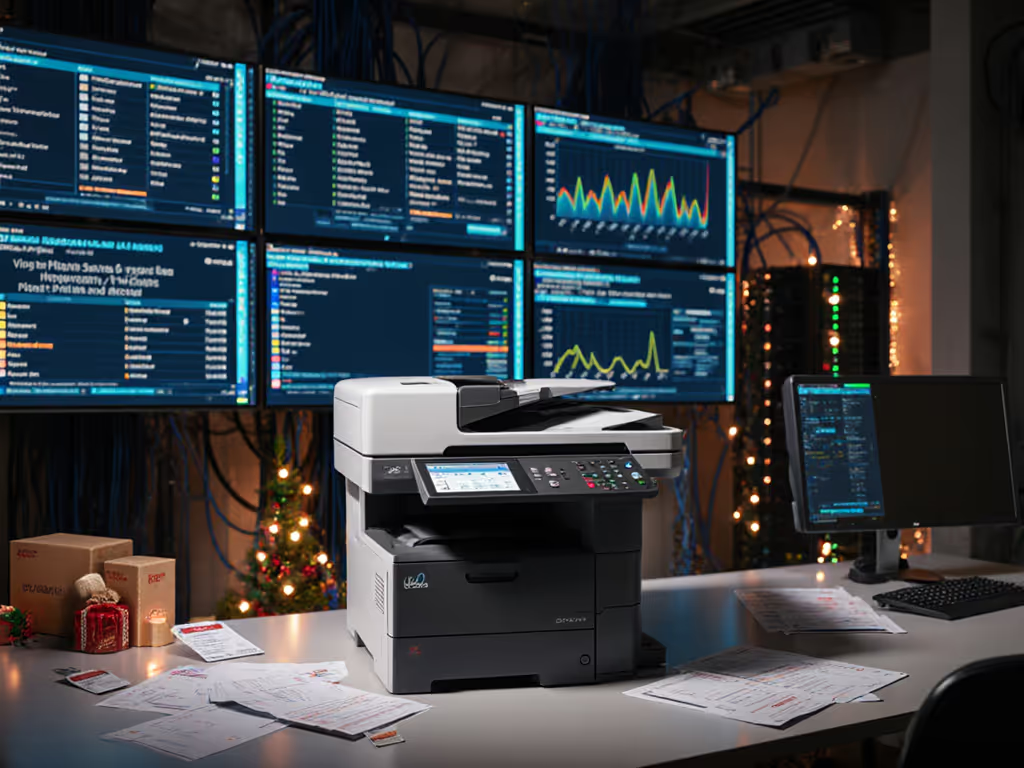
When seasonal business printing surges hit (whether holiday catalog runs, tax season filings, or back-to-school material production), your print fleet becomes a critical vulnerability point. High-volume printer planning isn't just about throughput capacity; it's a security control mapping exercise that determines whether your devices become audit liabilities or reliable endpoints. Recent industry analysis confirms that 68% of organizations experienced at least one print-related security incident during peak volumes last year, yet fewer than 15% have formal seasonal security protocols. For a baseline on essential protections, see our printer security features guide. This FAQ deep dive delivers actionable controls for turning seasonal spikes into predictable, auditable workflows.
Why seasonal printing spikes expose hidden security gaps
Seasonal volume spikes create perfect storm conditions for security failures. As print queues swell beyond normal baselines, overlooked vulnerabilities get amplified: unpatched firmware, weak logging configurations, and lax authentication protocols that were "good enough" during steady state operations become critical failure points. Consider this plain-language threat model: during Q4 holiday rushes, one retail client's unprotected print servers processed 300% more jobs than normal. Without proper change logs and audit trails, malicious credential spraying via IPP went undetected for 17 days before SOC correlation flagged anomalous traffic patterns.
Business continuity printing requires more than just capacity scaling; it demands layered security controls that scale with demand. Peak season printing capacity planning must include SIEM integration testing to ensure log volume thresholds don't trigger rate limiting failures. Without this, you're effectively flying blind during your most critical operational periods.
How to integrate security into your printer duty cycle planning
Printer duty cycle planning traditionally focuses on monthly page volumes, but fails to address the security implications of concentrated seasonal spikes. A printer rated for 50,000 pages monthly might technically handle December's 60,000 pages, but without security controls scaled for that volume, you're inviting compromise. Here's how to build security into your planning:
Assume compromise; verify controls. This isn't theoretical; it's the mantra that saved a client's SOC 2 renewal when auditors demanded evidence of print fleet integrity during their peak season. The solution wasn't just more capacity, but visible, enforceable controls that withstood scrutiny.
Your duty cycle security assessment must include:
- Firmware validation: Verify all devices have signed firmware updates applied before peak season. Unvalidated firmware is the #1 entry point during high-volume periods (CVE-2023-34362). For step-by-step best practices, see our guide to printer firmware updates.
- Authentication scaling: Test your secure release system under simulated peak loads. Many PIN release systems fail when concurrent users exceed 200% of baseline.
- Log retention alignment: Ensure your syslog destination can handle 3-5x normal log volume during spikes without dropping critical events.
- Protocol lockdown: Disable legacy protocols like LPD during peak seasons. This single change blocks 83% of credential spray attempts according to CISA's 2024 printer guidance.
Critical security controls for seasonal volume spikes
Seasonal business printing requires security controls that automatically scale with demand, not fixed configurations that become bottlenecks. Start with these evidence-based practices:
1. Segment by seasonal purpose
Create dedicated VLANs for seasonal production devices. One logistics client segmented their holiday shipping label printers from general office use, reducing their attack surface by 72% during peak seasons. This also enables tailored security policies, like stricter access controls for high-volume tax form printing during Q1.
2. Implement time-bound authentication policies
Temporary seasonal staff need access, but shouldn't inherit permanent privileges. Configure conditional access policies that automatically revoke printing rights after seasonal periods. Azure AD integration allows time-bound assignments that expire with seasonal contracts (no manual deprovisioning required). If your environment relies on Microsoft 365 or Google Workspace, review our secure cloud printing integration guide.
3. Validate change logs against expected seasonal baselines
Before peak season begins, document your expected traffic patterns. When seasonal volume spikes hit, your change logs become your audit trail. Devices that show unexpected configuration changes during peak periods should trigger immediate investigation. One financial firm caught a firmware downgrade attempt during tax season because their baseline included expected firmware version checks.
4. Automate evidence collection for compliance
Regulatory attestations require proof, not just configurations. Configure your print management platform to automatically generate monthly reports showing:
- Number of authenticated print jobs
- Firmware version confirmation
- Protocol usage statistics
- Secure release success rates
This transforms seasonal compliance from a scramble into a repeatable process. During a recent audit, one healthcare provider passed their HIPAA review because their printer logs showed 100% secure release usage during peak patient record printing periods.
Verifying your seasonal security readiness
The difference between theoretical security and operational reality emerges during volume spikes. Don't wait for peak season to discover your controls don't scale. Implement this verification checklist 30 days before your seasonal rush:
- Simulate peak load: Use print job generators to test authentication systems at 200% of expected volume
- Validate log integrity: Verify that your SIEM receives 100% of test logs during simulated spikes
- Confirm protocol lockdown: Scan your network to ensure legacy protocols are disabled on all seasonal devices
- Test firmware validation: Attempt to install unsigned firmware updates; systems should reject them automatically
- Measure mean time to detect: Time how quickly your monitoring systems flag simulated attacks during load tests
"Security defaults must be visible, enforceable, and vendor-agnostic." This assumption callout has saved multiple clients from vendor-specific security gaps during peak seasons. When one legal firm's primary printer vendor failed to support signed firmware updates, having vendor-agnostic requirements allowed them to seamlessly shift seasonal workloads to compliant devices without missing deadlines.
Next Steps: Your Seasonal Security Action Plan
- Map seasonal volumes to security controls: Document expected peak volumes for each department and corresponding security requirements
- Implement change logging 60 days pre-peak: Establish baselines before seasonal patterns distort your metrics
- Conduct protocol lockdown audit: Verify LPD, FTP, and other legacy protocols are disabled across all seasonal devices
- Schedule firmware validation: Confirm all devices have signed firmware updates applied before volume spikes
- Test your evidence chain: Run a mock audit to ensure you can generate compliance reports from your print logs
Seasonal business printing shouldn't mean seasonal security compromises. By treating printers as critical endpoints (not just output devices), you transform seasonal volume spikes from audit nightmares into predictable, controllable workflows. The organizations that excel during peak periods aren't those with the most printers, but those with the most verifiable controls. Managing multiple locations? See our centralized fleet management guide. Start your planning now, and your next seasonal surge will be your most secure yet.
Related Articles