Centralized Fleet Management for Satellite Offices
By Jonas Müller • 19th Nov

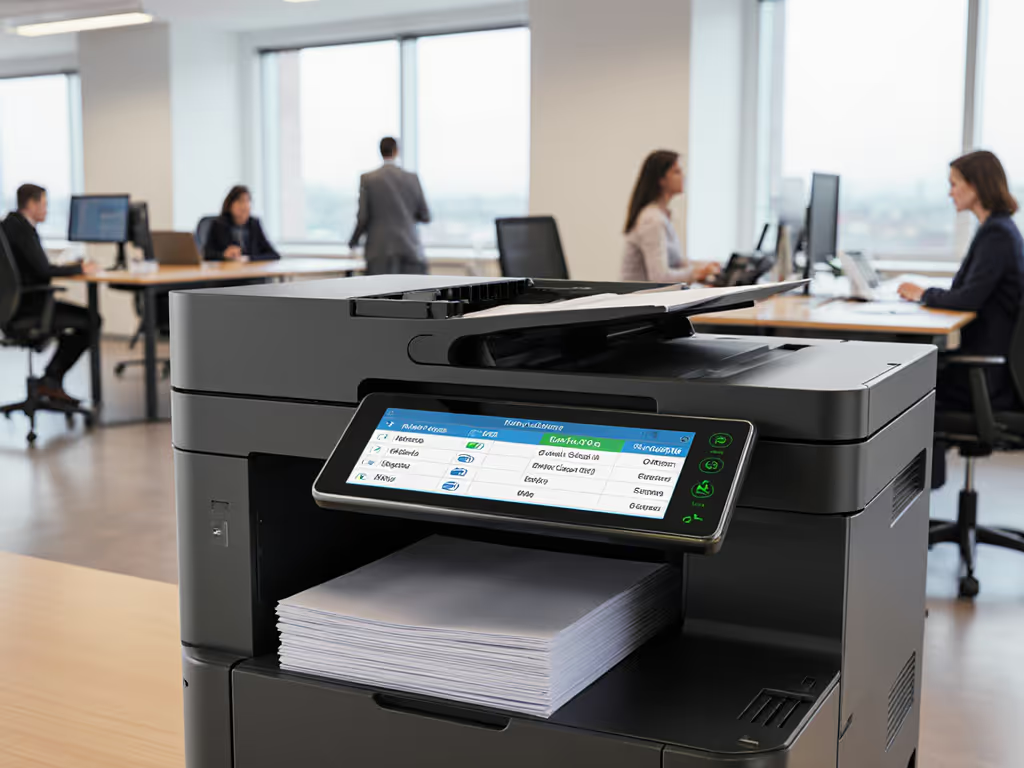
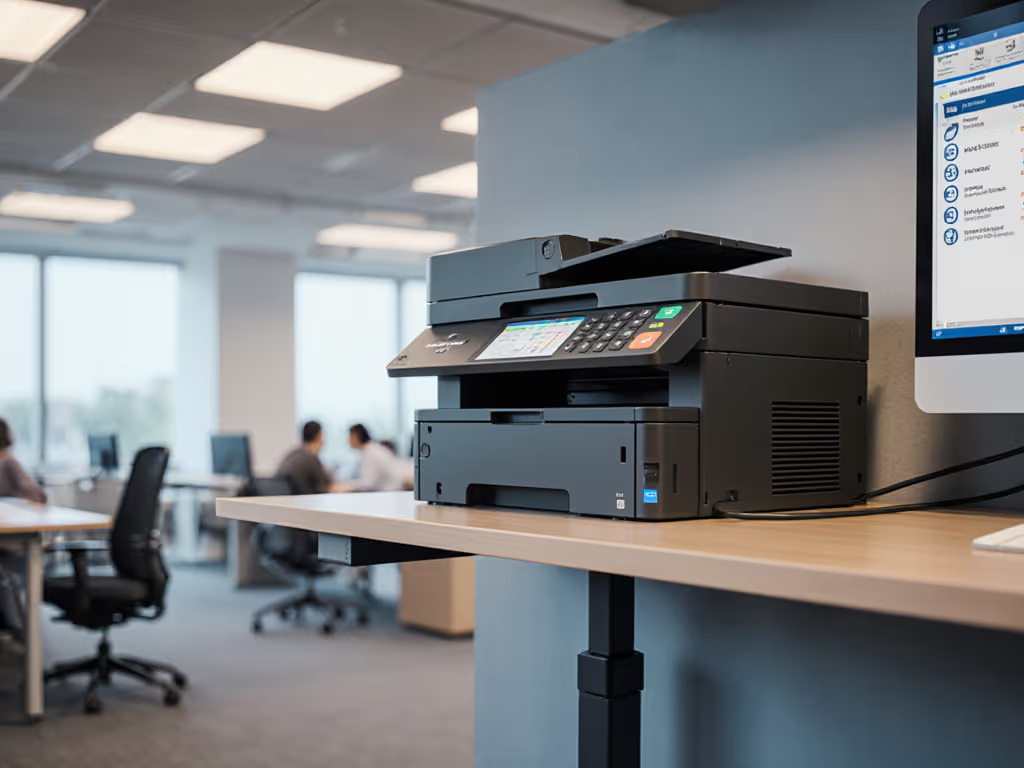
For organizations with remote location print management needs, the disconnect between satellite offices and headquarters often creates operational blind spots. Without proper oversight of commercial office printer usage across locations, hidden costs accumulate, security gaps emerge, and sustainability goals remain unmet. Yet this fragmented approach represents a missed opportunity. When measured through the same metrics, operational stability and sustainability share the same path to improvement. I've seen this play out across dozens of organizations, where proper centralized management transformed print operations from cost centers into efficiency drivers.
Step 1: Conduct a Comprehensive Multi-Location Fleet Assessment
Before implementing any solution, you need visibility. Most organizations underestimate their distributed fleet by 25-40% due to untracked devices purchased through departmental budgets or legacy equipment hidden in satellite offices. Begin with these concrete actions:
- Run SNMP scans across all network segments to identify connected devices
- Document make, model, age, and duty cycle ratings for each unit
- Analyze three months of usage data to establish actual vs. rated volume
- Calculate current TCO by location, including hardware, supplies, maintenance, energy, and administrative overhead For a detailed framework on calculating lifecycle costs, see our total ownership cost guide.
- Assess security posture against NIST or ISO 27001 standards
This foundational assessment reveals startling insights. One financial services client discovered 17% of their satellite office printers exceeded recommended duty cycles by 35%, causing frequent jams and premature part failures. Another organization found 22% of units lacked basic encryption protocols, creating compliance risks across their remote locations. These before-and-after metrics form the basis for your optimization strategy.
Step 2: Right-Size Before Right-Buying Your Distributed Fleet
Standardization remains the most powerful policy lever for efficiency, but uniformity alone won't solve the problem. Right-size before right-buy: a single device specification rarely fits multiple locations, with varying volume, security, and workflow requirements.
Consider these factors when selecting satellite office equipment:
- Document types: Legal firms need secure release printing for sensitive documents while warehouses require label and specialty media capabilities
- Volume patterns: Some satellite offices experience predictable daily volume while others have bursty demand (e.g., month-end reporting)
- Operator comfort: Noise levels and heat output become critical in small satellite offices where staff work in close proximity to equipment
- Energy impact: A single always-on A3 device in a 10-person satellite office can consume 20% more energy than properly sized A4 units
When we addressed this for a city office running hot, loud A3 devices for letter tasks, the solution was not just different equipment; it was right-sizing to efficient A4 duplex units that matched their actual workflow. This reduced heat spots, improved operator comfort, and cut energy consumption by 12% with the same output volume. Devices meeting EPEAT Gold or Blue Angel certifications consistently deliver better TCO when measured across their full lifecycle, especially when considering energy consumption during sleep modes.
Step 3: Implement Centralized Monitoring Capabilities
Your centralized print management platform must deliver actionable analytics, not just data. Look for solutions providing:
- Real-time status monitoring across all locations
- Supply level tracking with automated replenishment triggers
- Security event logging with SIEM integration
- Usage reports segmented by department, location, or user group
- Energy consumption metrics by device and time period
The best implementations establish clear thresholds that trigger alerts before issues escalate. To move beyond static thresholds, review how predictive printer maintenance uses AI to anticipate failures and close security gaps. For example, setting alerts at 85% of duty cycle capacity prevents the jams and early failures that typically occur when devices operate at peak capacity. If you’re new to duty cycle planning, this explainer clarifies how to match capacity to real workloads. This approach reduces helpdesk tickets by 30-45% while maintaining the 99%+ uptime that pragmatic operators require. Consistency is what keeps teams productive.
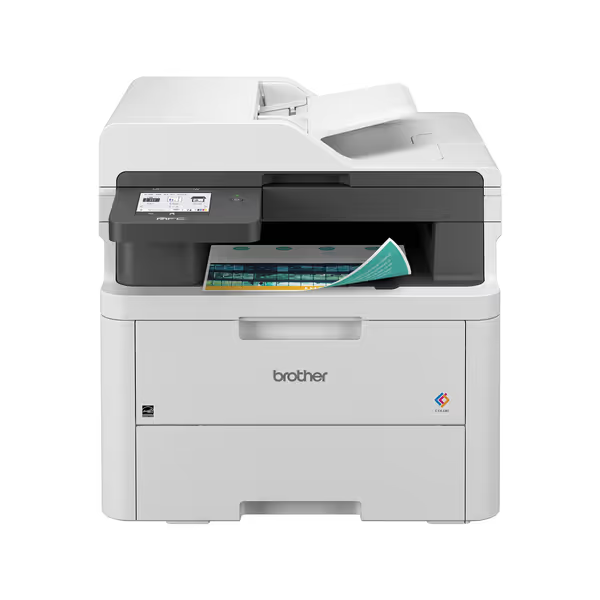
Brother MFC-L3720CDW Wireless Color Laser Printer
Efficient color laser printing with cloud integration for streamlined workflows.
$459.99
Print SpeedUp to 19 ppm (color/mono)
Print SpeedUp to 19 ppm (color/mono)
Pros
Integrated cloud services simplify document management.
Dual-band Wi-Fi for seamless team connectivity.
Cons
Mixed feedback on wireless stability.
Color photo quality can be inconsistent.
Customers find the printer prints good enough quality and is easy to set up and use. The wireless connectivity receives mixed feedback, with some saying it connects easily to computers while others report connectivity issues.
Customers find the printer prints good enough quality and is easy to set up and use. The wireless connectivity receives mixed feedback, with some saying it connects easily to computers while others report connectivity issues.
Step 4: Optimize Consumables and Supply Chains
Multi-location print tracking becomes essential for managing consumables sustainably. Consider:
- Standardizing on remanufactured supplies where appropriate (verified for compatibility)
- Implementing automatic duplex as the default to reduce paper consumption by 35-45%
- Configuring power management settings based on local usage patterns (e.g., deeper sleep modes after 6 PM local time)
- Establishing recycled paper streams with consistent availability across locations
A healthcare client standardized on ENERGY STAR-certified devices across 47 clinics while implementing recycled paper streams. Their before-and-after metrics showed a 22% reduction in paper consumption, 15% less energy usage, and 18 fewer toner delivery trips annually. These were not theoretical gains; they emerged from operational changes that simplified workflows while stabilizing costs. For broader tactics that align cost control with environmental goals, see our sustainable office printing guide.
One strategic insight often overlooked: the toner supply chain contributes significantly to your carbon footprint. By consolidating suppliers and extending order cycles (while maintaining buffer stock), you can reduce transportation emissions while lowering administrative overhead. This is where sustainability wins, when it simplifies workflows and stabilizes costs.
Step 5: Establish Security Protocols for Distributed Networks
Distributed fleet security requires more than encryption; it demands consistent policy enforcement across locations. Implement these non-negotiable measures:
- Automatic firmware updates with staging capabilities to avoid workflow disruptions If you’re standardizing updates across locations, follow our firmware management best practices to protect uptime and data.
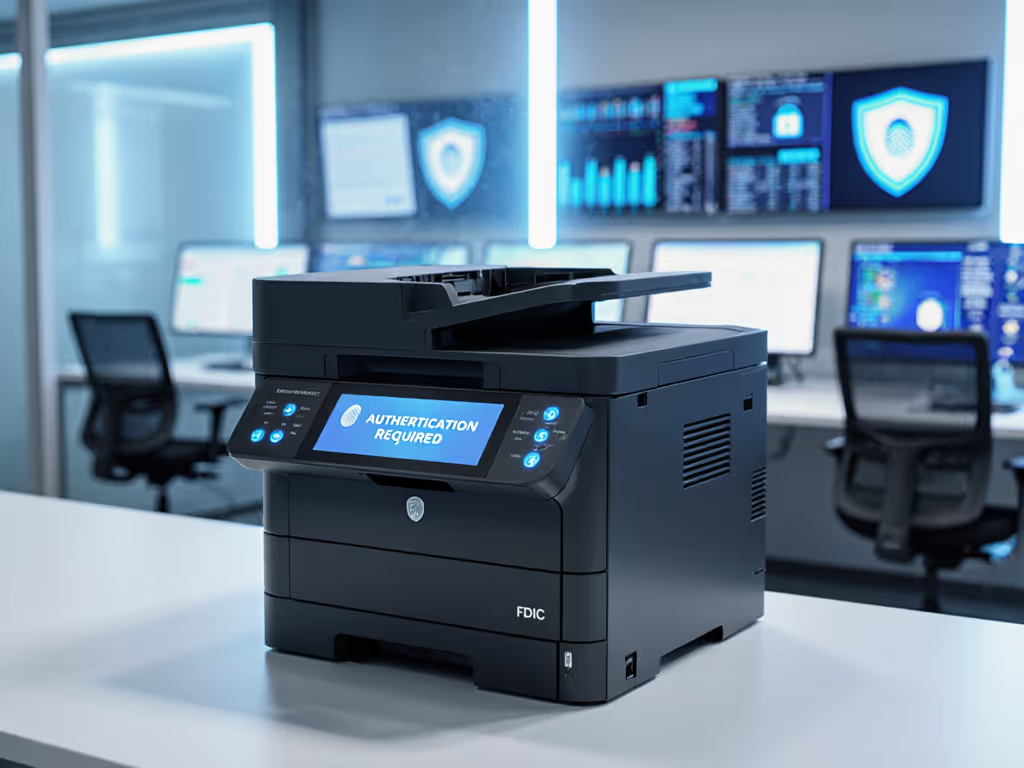
- Secure print release requiring authentication at every device
- Data encryption on hard drives with automatic wiping during power cycles
- Usage audit trails meeting your compliance requirements (HIPAA, PCI, FERPA)
Too many organizations assume their main office security protocols automatically extend to satellite locations. They don't. A recent industry report found 68% of remote office printers lacked current security patches, creating significant vulnerabilities. Centralized management allows you to enforce security standards consistently, reducing your attack surface while meeting compliance requirements.
Measuring Your Success: Beyond Simple Cost Reduction
True success in satellite office printer management transcends simple cost metrics. Track these KPIs for comprehensive evaluation:
- Uptime percentage across all locations (aim for 99%+)
- Mean time to repair (MTTR) for service incidents
- Paper and toner consumption per user or per transaction
- Energy consumption per page printed
- Security compliance percentage across the fleet
- Helpdesk ticket volume related to printing issues
Organizations that treat satellite office printers as strategic assets rather than commodities see dramatic improvements across these metrics. The financial benefits emerge naturally when sustainability and operational stability share the same metrics (measured honestly).
Right-size before right-buy: the most efficient print fleet starts with understanding actual workflow requirements, not just purchasing the latest equipment.
Next Steps for Your Distributed Fleet
Your journey toward centralized fleet management begins with visibility, proceeds through thoughtful standardization, and culminates in continuous improvement. As you evaluate options, seek partners who focus on your operational realities rather than pushing specific hardware. The goal is not consolidation for its own sake; it is creating a print environment that supports your workflows while meeting your sustainability targets.
For deeper insights into optimizing your distributed print environment, consider reviewing case studies focused on your specific industry vertical. Different sectors face unique challenges: healthcare requires different security protocols than legal firms, and retail operations have distinct peak volume patterns compared to manufacturing. Understanding these nuances will help you create a satellite office print strategy that delivers both operational stability and authentic sustainability gains.
Related Articles