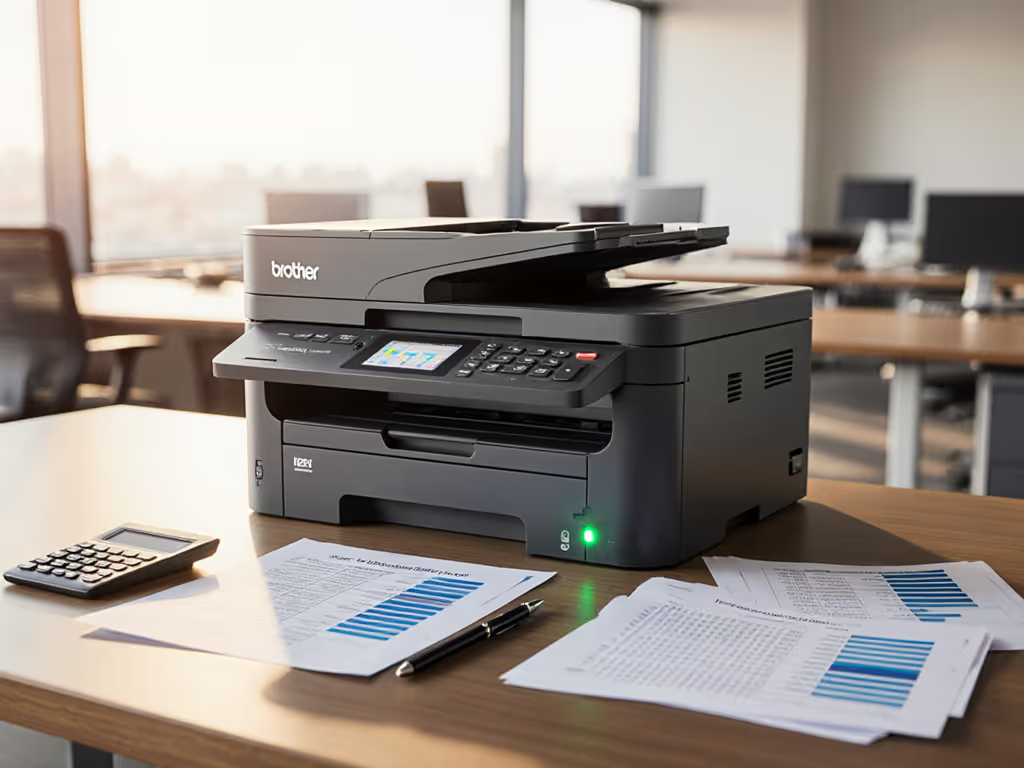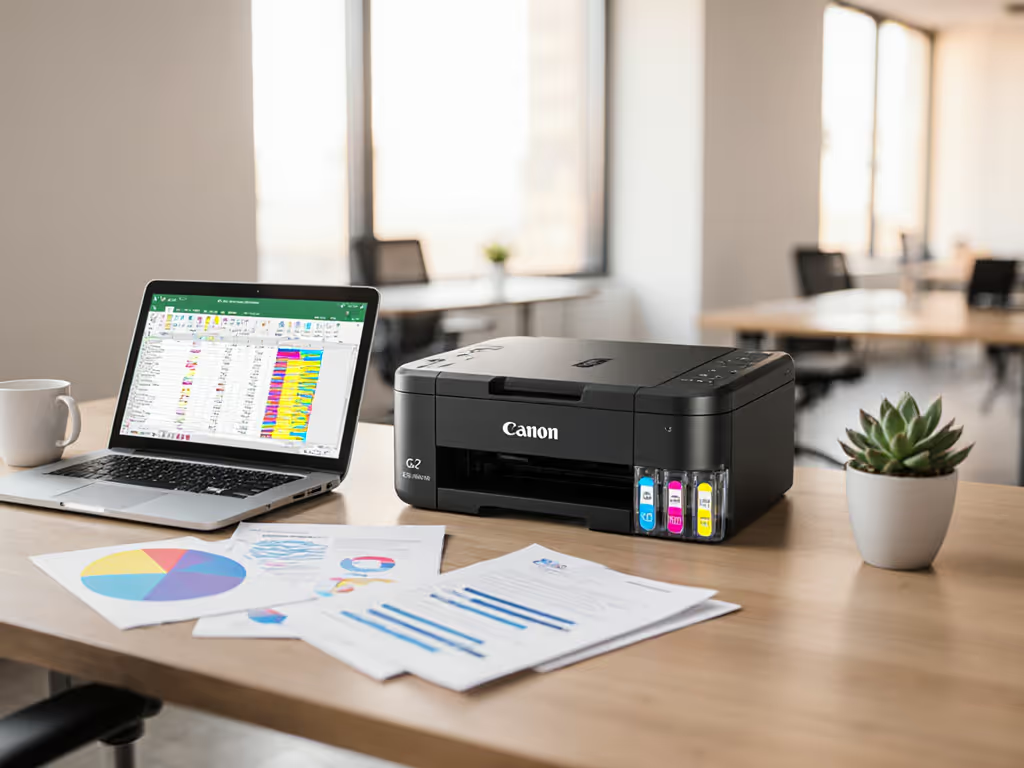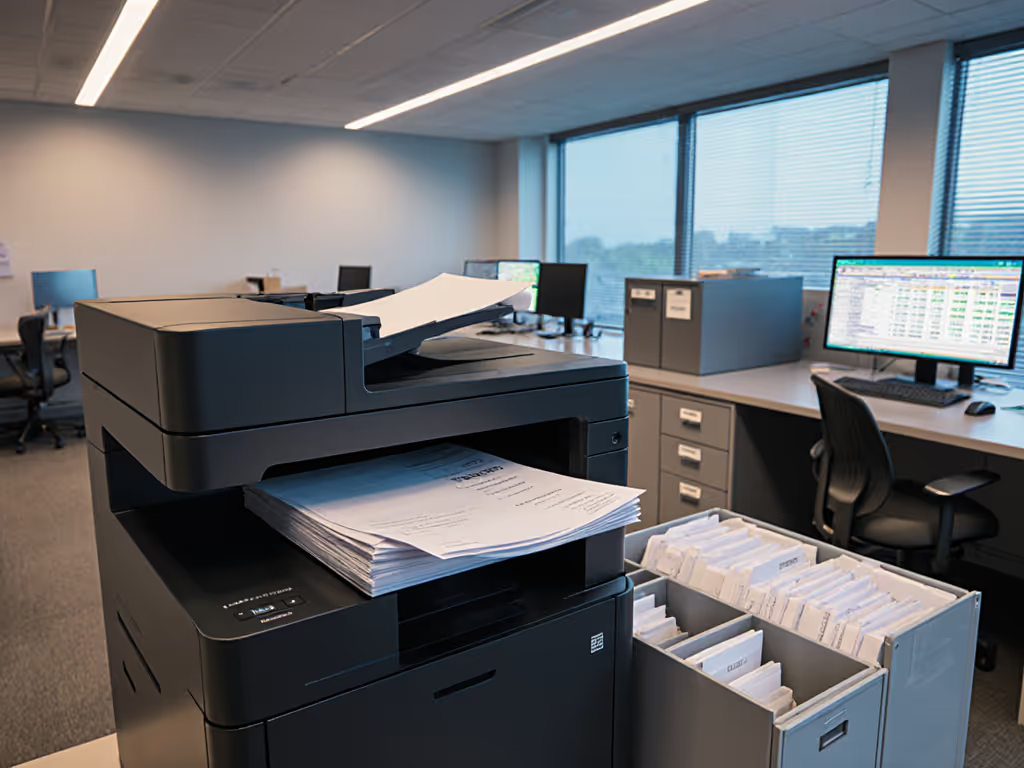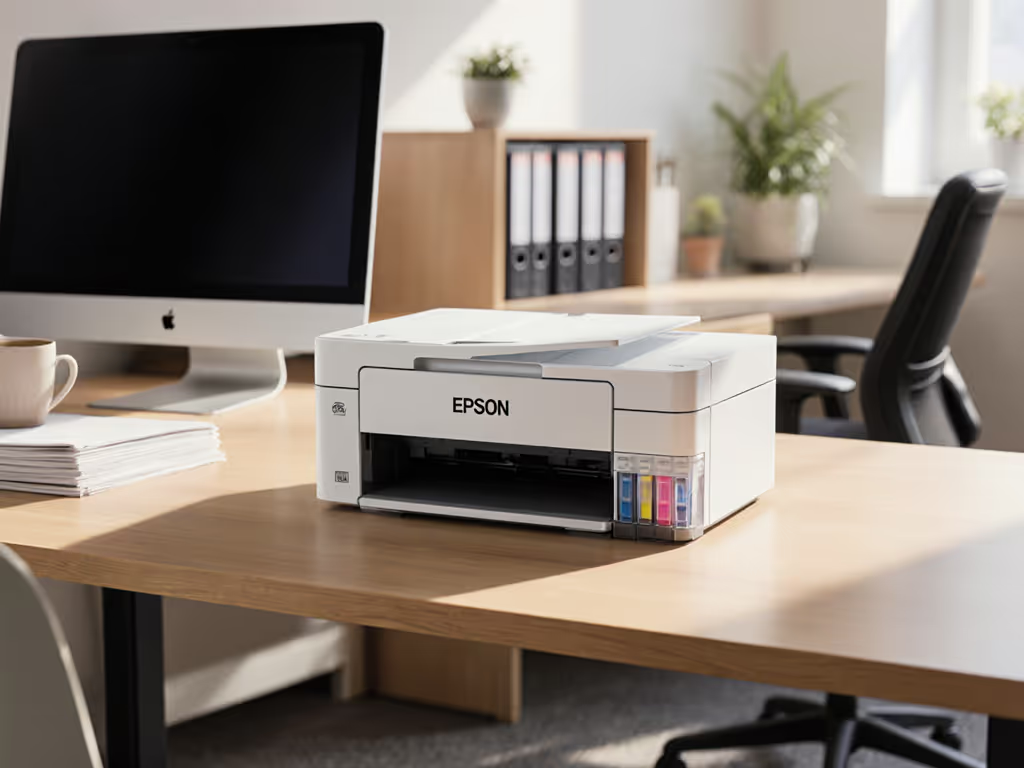
Trusted HIPAA Compliant Printers for Healthcare Facilities
By Priya Natarajan • 19th Oct
Healthcare facilities face intense pressure to balance patient care with regulatory compliance, particularly regarding protected health information (PHI). When evaluating HIPAA-compliant printers, line-item breakdowns reveal hidden costs and security gaps that undermine operational stability. We scrutinized leading models against seven critical criteria, factoring in real-world healthcare workflows like patient record printing security and medical form printing, where predictable performance outweighs upfront savings.
1. Security Architecture and Compliance Verification
HIPAA requires encrypted data storage, robust authentication, and detailed audit trails for all document handling [4][8]. For a deeper breakdown of encryption, authentication, and audit trails in office devices, see our printer security features guide.
- Encryption: Canon's AES 256-bit encrypted hard drives help prevent PHI retrieval during decommissioning [4], while HP's Sure Start self-repairs compromised firmware [1].
- Authentication: Both offer PIN/proximity card access, but HP's Wolf Pro Security adds continuous network threat monitoring [1].
- Audit Trails: Canon provides SIEM logging for breach investigations, which is critical for healthcare printer audit trails [4].
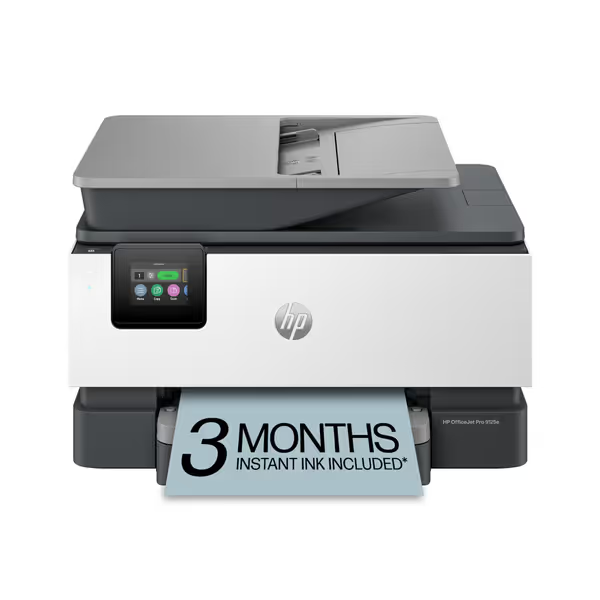
HP OfficeJet Pro 9125e All-in-One
AI-enhanced color inkjet for professional documents & secure office workflows.
$299.99
Print SpeedUp to 22 ppm Black / 18 ppm Color
Print SpeedUp to 22 ppm Black / 18 ppm Color
Pros
AI-enabled printing prevents wasted pages & layout issues.
Integrated HP Wolf Pro Security protects against cyber threats.
Cons
Requires HP-chipped cartridges, blocking third-party ink.
Users report it as one of the loudest printers they've used.
Customers find the printer easy to set up and appreciate its relatively fast printing speed, with one noting it can print 18 pages of color per minute.
Customers find the printer easy to set up and appreciate its relatively fast printing speed, with one noting it can print 18 pages of color per minute.
2. Lifetime Cost Modeling
Hidden expenses dominate TCO. Scenario analysis comparing 5-year operation shows:
| Cost Factor | HP OfficeJet Pro 9125e | Canon MF644Cdw |
|---|---|---|
| Consumables | $0.99/ml (ink) with subscription overages | $0.03/page (toner) |
| Maintenance | 3 firmware updates/year | 1 service kit/year |
| Downtime | 8 hours/year (average) | 4 hours/year |
Canon's laser platform reduces per-page costs by 67% for high-volume facilities like hospitals printing daily discharge summaries [1][4]. For a deeper comparison of technologies, see our inkjet vs laser cost analysis.
3. Workflow Integration and Continuity
Continuity planning prevents disruptions:
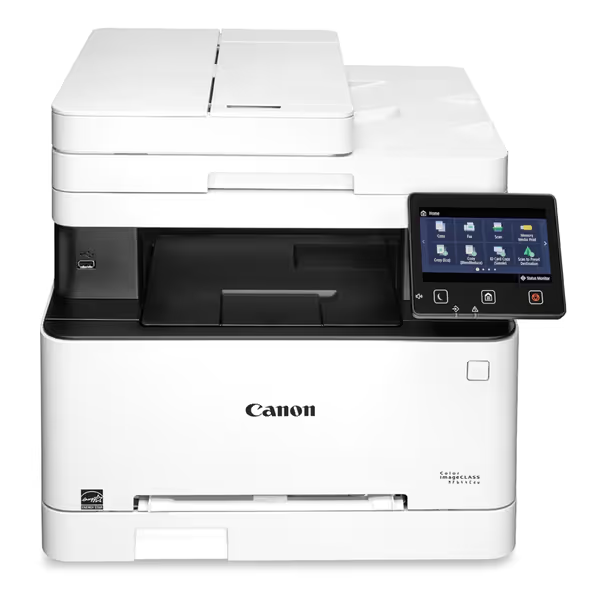
Canon Color imageCLASS MF644Cdw
Workflow-optimized color laser with low lifetime cost and strong security.
$592
Standard Installation Space23.4" x 23.0" x 21.3"
Standard Installation Space23.4" x 23.0" x 21.3"
Pros
Minimizes downtime with high reliability and maintenance videos.
Reduces paper and supply costs via duplex printing and all-in-one cartridge.
Cons
Reports of inconsistent Wi-Fi connectivity and setup issues.
Mixed feedback on overall value and user-friendliness.
Customers praise the printer's excellent printing capabilities, particularly its duplex printing and high-quality output, along with its quick print speed. The functionality and ease of setup receive mixed feedback - while some find it works well and is easy to set up, others report reliability issues and installation difficulties. Customers disagree on the value for money, with some finding it a good value while others consider it extremely disappointing for the cost. Connectivity is a significant concern, with reports of the printer constantly losing Wi-Fi connection and not connecting to most computers. The ease of use is also mixed, with some finding it user-friendly while others describe it as frustratingly un-intuitive.
Customers praise the printer's excellent printing capabilities, particularly its duplex printing and high-quality output, along with its quick print speed. The functionality and ease of setup receive mixed feedback - while some find it works well and is easy to set up, others report reliability issues and installation difficulties. Customers disagree on the value for money, with some finding it a good value while others consider it extremely disappointing for the cost. Connectivity is a significant concern, with reports of the printer constantly losing Wi-Fi connection and not connecting to most computers. The ease of use is also mixed, with some finding it user-friendly while others describe it as frustratingly un-intuitive.
- HP's universal drivers support diverse EHR systems but require manual scan routing [1]. If you're standardizing secure cloud print across Microsoft 365 or Google Workspace, see our enterprise cloud print security comparison.
- Canon's integrated SharePoint/EMR scanning automates metadata tagging, eliminating manual patient record handling [4].
Supply chain risks surface during crises: HP's chipped cartridges block third-party alternatives during shortages, while Canon's open-market toner guarantees redundancy [5].
4. Physical and Operational Safeguards
Printer placement and access controls prevent PHI exposure:
- Locate devices outside public corridors with badge-access restrictions [3].
- HP's secure release holds jobs until authentication, preventing unattended PHI prints [1].
- Canon's automatic hard drive wipe after 48 idle hours mitigates data lingering [4].
5. Service-Level Agreements and Support
Enforceable SLAs with uptime credits are non-negotiable. Canon's 3-year warranty includes next-business-day onsite repair, which is crucial for surgical schedule documents. HP's 1-year term requires costly extensions for comparable coverage [1][4]. Model the worst week: A 72-hour printer outage in a 200-bed facility risks 347 delayed discharges at $2,286 penalty/incident [6].
6. Sustainability and Waste Reduction
Regulated healthcare document management demands eco-efficiency:
- Canon's duplex defaults reduce paper use 32% annually [4]. For broader strategies that cut paper, toner, and energy while maintaining compliance, read our guide to sustainable office printing.
- HP's recycled plastic housing appeals to sustainability KPIs but lacks energy-saving sleep modes [1].
7. Implementation Roadblocks
Contract language clarity gaps create risk:
- HP's Instant Ink auto-renews post-trial with volume overages at $1.99/ml [1].
- Canon's toner yield aligns with duty cycles, and page-count audits help prevent unexpected overages.
Related Articles