Monochrome Printers: Cost Reality at 5K+ Pages/Month
By Aisha Williams • 23rd Feb
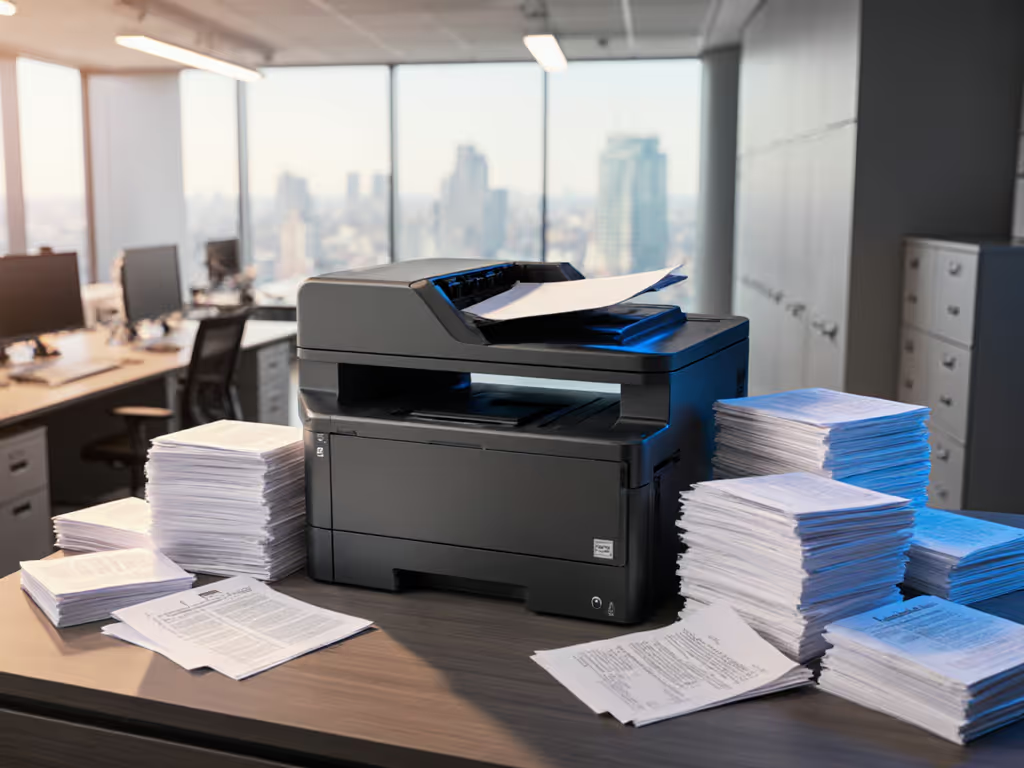
When your team needs to move beyond occasional printing and into serious volume territory (5,000+ pages monthly), the choice between monochrome printers becomes an exercise in hard math, not marketing. Many IT leaders and operations managers approach this decision by comparing spec sheets: print speed, initial cost, toner yield. They often overlook the factors that separate a true workhorse from a costly surprise in year two. The real question isn't which printer is faster; it's which one you'll stop defending to your finance controller after the consumables budget inflates.
Based on how print workflows actually live in mixed teams (where one device serves accounting, HR, and facilities simultaneously), here's a structured approach to finding the monochrome printer that survives contact with reality.
Understanding the Monochrome Printer Landscape
A monochrome printer, at its simplest, produces black-and-white text and graphics. It strips away color capability entirely, which sounds like a compromise until you run the numbers on a high-volume office. Monochrome laser printers dominate this space because they handle the core corporate task (document printing) with precision and predictability that inkjet alternatives cannot match at scale. For a deeper breakdown of technology trade-offs at office scale, see our inkjet vs laser cost analysis.
Why does the technology matter? Laser printers use powdered toner fused to paper via heat, while inkjet printers spray liquid ink through microscopic nozzles. For occasional printing, inkjets work fine. But at 5,000+ pages per month, the differences compound:
- Laser toner doesn't dry out or clog; it remains stable for years.
- Inkjet cartridges have shorter shelf lives and often dry when sitting idle (a real problem if a device goes unused for two weeks).
- Per-page costs for laser printing drop as volume increases, while inkjet costs climb steadily.
At a 5,000-page monthly volume, you're not an occasional user anymore. You're a business operation, and the printer's reliability directly impacts billing, records, and shipping schedules.
Step 1: Map Your Real Monthly Volume and Document Types
Before pricing anything, know your actual demand. Don't estimate. Pull three months of print logs from your fleet if you have them. If you're starting fresh, interview the teams who'll use the device.
Break volume into two buckets:
- Single-page documents: invoices, letters, compliance records, shipping labels. These drive throughput and favor laser speed.
- Multi-page documents: reports, contracts, proposals. These stress the paper feed mechanism and benefit from duplex (two-sided) printing efficiency.
One IT director I worked with thought their monochrome volume was 3,000 pages monthly. After logging actual output, they discovered 7,200 pages (mostly duplicated reports from their compliance team). That discovery changed everything. They'd nearly bought an underpowered device.
If it takes a spreadsheet to track usage, make it a preset. Add print logging to your fleet now, and let the data guide your purchase decision later.
Step 2: Build a Total Cost of Ownership (TCO) Comparison
The purchase price is the smallest line item. At 5,000+ pages per month, consumables, maintenance, and downtime dominate the 36-month lifecycle cost. Use our total printer ownership cost guide to build a defensible 36-month model.
Gather these numbers from vendors:
-
Toner yield per cartridge: Look for pages-per-cartridge claims and ask vendors to show a test report. Yields vary widely; some printers claim 10,000 pages but deliver 8,500 in real conditions.
-
Toner cost per page: Calculate this yourself: (cost of full toner set) ÷ (pages per set) = true per-page cost. A printer claiming "low cost per page" may have expensive consumables that offset the math.
-
Maintenance kits: Laser printers include drums, fusers, and transfer belts that wear out. Vendors should disclose replacement intervals and costs. Maintenance kit replacements at 200,000 pages can exceed toner costs if missed in your analysis.
-
Service calls: What's included in the warranty? After year one, are on-site repairs included or à la carte? A single emergency service call at $300-500 can wipe out your annual toner savings.
-
Downtime risk: If the device fails mid-month, what's the impact? Estimate the cost of rush repairs or a loaner device. This becomes especially critical in healthcare, legal, or finance environments where records must move on schedule.
Example framework: A laser printer at $4,000 upfront, printing 5,000 pages monthly (60,000 annually), with 0.03-cent-per-page costs, runs approximately $1,800 annually in supplies. Over 36 months: $4,000 + $5,400 (supplies) + $600 (estimated maintenance) = $10,000 total. An inkjet alternative at $600 upfront with 0.8-cent-per-page costs delivers $2,880 annually in ink, totaling $9,440 over three years, but only if the device never fails and ink supplies remain stable.
In practice, the laser printer wins at volume because its cost curve flattens as pages increase. The inkjet cost curve climbs indefinitely.
Step 3: Test Print Speed and Consistency at Scale
Spec sheets claim speeds like "33 pages per minute." What you need is real-world speed data under load.
Request a pilot print test:
-
First-page-out time: How long from "print" button to first sheet ejecting? Laser printers typically fire in 7-8 seconds; inkjets range from 7 seconds upward depending on warm-up state.
-
Sustained speed under continuous load: Print 500 sheets back-to-back and measure the actual pages-per-minute output. Thermal strain, paper feed stutters, and auto-cleaning cycles reduce stated speeds. Record any halts longer than 3 seconds.
-
Duplex (two-sided) speed: Printing two-sided cuts your consumables bill and paper usage by half. But some laser printers slow significantly when duplexing. Test both sides together, not just single-side claims.
-
Recovery time: If the device jams, how long to clear and resume? Does the UI guide the user, or require a helpdesk call?
The printer that maintains 30+ pages per minute continuously, with sub-3-second fault recovery, is the one that doesn't create a queue at 4 p.m. on invoice day.
Step 4: Verify Toner Supply Continuity
One of the costliest surprises in printer deployment is supply breakage. A manufacturer stops carrying a toner cartridge. A firmware update blocks third-party cartridges. A preferred vendor goes out of stock during a critical reorder window.
Audit supply risk before committing:
-
Multi-source toner: Can the printer use cartridges from at least two suppliers (original manufacturer and third-party)? If the device accepts only proprietary cartridges, you've locked yourself into a single vendor's pricing and availability.
-
Firmware and cartridge chips: Ask the vendor explicitly: "Will a firmware update ever block third-party cartridges?" Reputable manufacturers keep this separation intentional; others weaponize firmware to force vendor lock-in. Review our printer firmware security hardening guide to avoid update-related supply lockouts.
-
Regional supply: If you operate across multiple geographies, verify that toner is available in each region at similar pricing. Healthcare systems and logistics companies with distributed sites often face supply delays because regional inventory isn't shared.
-
Auto-replenishment options: Does the vendor or a managed print provider offer automatic toner shipments? This eliminates the ad-hoc ordering chaos that leads to "we're out, can't print payroll." If it takes training on the reorder process, make it a preset in your procurement system (automatic shipments trigger without human intervention).
Fewer surprises in the supply chain prove the vendor partnership is sound, not the printer specification sheet.
Step 5: Assess Driver Compatibility and Updates
A monochrome printer with excellent hardware and poor drivers creates helpdesk chaos. The real test is: How easily does it print from Windows, Mac, Chromebook, and cloud print systems? If you manage mixed environments, our OS compatibility checklist covers drivers, native support, and common fixes.
Verify driver health:
-
Universal print driver availability: Some manufacturers offer a single driver that works across Windows and Mac, reducing installation variance and support tickets. Others require device-specific drivers that fragment your support burden.
-
Update cadence and stability: Does the vendor release drivers quarterly, or annually? Are updates security patches only, or do they add new features that might break existing configs? Test a driver update on a non-production machine and confirm all print workflows still function.
-
Cloud print integration: If your team uses cloud print systems (Google Cloud Print legacy, Microsoft Universal Print, or a third-party print management platform), verify the printer integrates seamlessly. A printer that requires a local print server adds infrastructure cost and a single point of failure.
-
Guest and mobile printing: Can a visiting contractor print to the device without installing drivers? Can a mobile user print from their phone to your monochrome fleet? At 5,000+ pages per month, you have multiple users and locations; the printer UI and setup must be repeatable without specialized training.
Step 6: Document Long-Term Reliability Expectations
At high volume, failure risk rises predictably. Knowing when to expect wear-out lets you budget for replacement before the device dies mid-month.
Gather these indicators from the vendor:
-
Rated duty cycle: Manufacturers specify a maximum pages-per-month rating (e.g., "up to 5,000 pages per month"). Running consistently at or above this limit accelerates wear. For planning guidance, read our duty cycle explainer to match capacity to workload. A device rated for 5,000 pages per month running 7,000 pages monthly will fail earlier and void warranty coverage.
-
Mean time between failures (MTBF): A longer MTBF (often measured in thousands of hours or millions of pages) suggests better component quality. Cheap printers have an MTBF under 50,000 pages; robust enterprise-class devices exceed 200,000 pages.
-
Maintenance interval schedules: The vendor should publish when drums, fusers, and transfer belts wear out. A printer requiring a maintenance kit every 50,000 pages is costlier long-term than one at 150,000 pages, even if the second device costs more upfront.
-
Warranty coverage and extensions: Standard warranty is typically one year or 50,000 pages, whichever comes first. For a 5,000-page monthly volume, you'll reach that cap in ten months. Extended warranties (three to five years) become critical for budget predictability.
Step 7: Validate Your Choice Against Real Workflows
A monochrome printer is only successful if it fits how your teams actually work. This isn't about the printer; it's about reducing friction so the printer becomes invisible.
Before final purchase, test these scenarios:
-
Scan-to-email and cloud integration: If the device has scanning, does it push files correctly to SharePoint, Google Drive, or email? Can users scan with a preset (one button, predefined folder, no configuration)? I've seen helpdesk queues triple because a "smart" scanner buried the preset menu three layers deep. Fewer tickets prove the design, not the spec sheet.
-
Duplex defaults: Is two-sided printing enabled by default in the driver, or do users opt in every time? If duplex defaults aren't locked at the driver level, you'll lose the consumables savings within months.
-
User error recovery: Can a non-technical person clear a jam, empty a full paper tray, or replace toner? The printer's on-screen guidance, labeled components, and error messages should make users self-sufficient. Vague error codes or cryptic button layouts force helpdesk escalation.
-
Print queue management: If 20 people are printing 5,000 pages collectively per month, the device needs hold/release capabilities and status visibility. Users should see where their job sits in the queue without calling IT.
Great workflows make instructions unnecessary. Presets and intuitive design eliminate training overhead and allow your helpdesk to focus on real problems, not printer troubleshooting.
Moving Forward: Your Next Step
You now have a decision framework grounded in cost data, speed verification, supply continuity, and workflow reality, not marketing claims.
Here's what to do immediately:
-
Pull three months of print logs from your current fleet (or poll teams if you're starting fresh). Calculate actual monthly volume, pages per user, and peak usage days.
-
Build a TCO spreadsheet with columns for device name, purchase price, estimated annual toner cost, maintenance kit frequency and cost, warranty extension, and projected three-year total. Add a row for downtime risk (estimated cost if the device fails for one week).
-
Request vendor print pilots for your top two candidate models. Print 500+ sheets single-sided and double-sided continuously, measure actual speed, test a jam clear, and verify driver installation on a non-production Mac and Windows machine.
-
Contact the vendor's technical support line with two questions: "Will a firmware update ever block third-party cartridges?" and "What's the actual pages-per-minute sustained speed when printing two-sided?" The answers reveal how vendor partnerships are designed, toward lock-in or toward partner flexibility.
-
Run a four-week pilot with your top choice in one department (accounting, HR, or facilities (a high-volume, mission-critical team)). Track actual page counts, consumables use, service calls, and user complaints. This real-world data is worth more than any spec sheet.
At 5,000+ pages per month, the monochrome printer isn't a convenience; it's infrastructure. The right choice pays dividends in uptime, predictable costs, and fewer helpdesk calls. The wrong choice becomes a monthly invoice reminder of a purchase decision made on autopilot.
Choose deliberately. The data will guide you.
Related Articles