Brother MFC-L8905CDW vs HP OfficeJet Pro: Uptime & TCO
By Maya Chen • 31st Mar
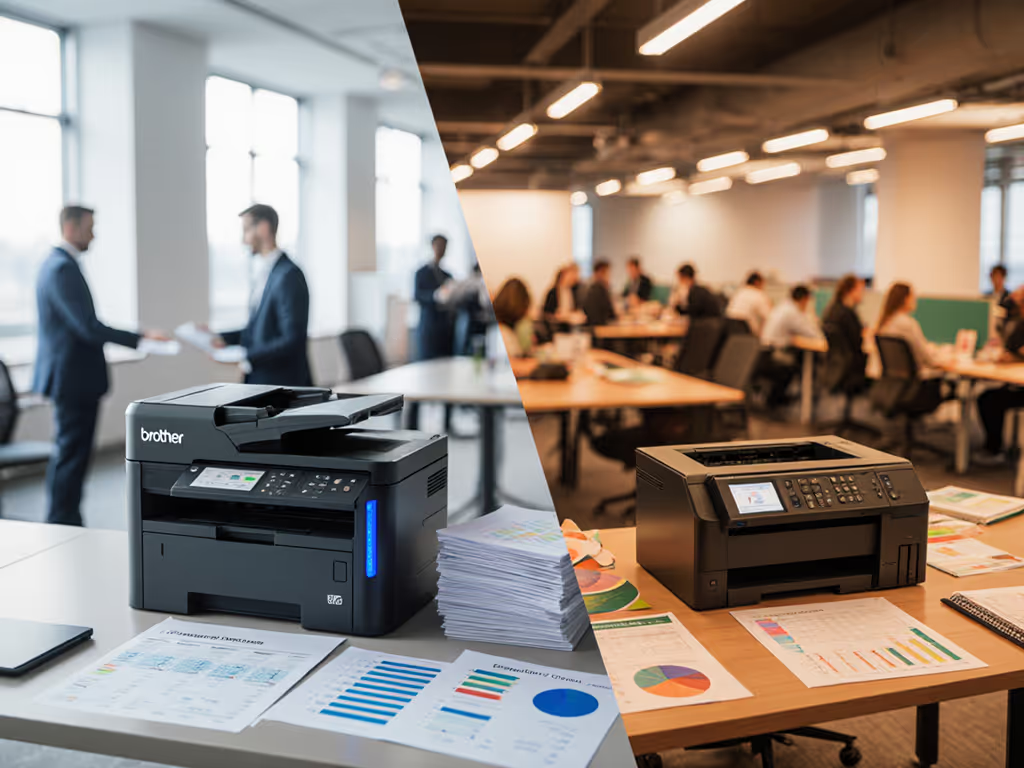
When comparing the Brother MFC-L8905CDW against HP OfficeJet Pro models, the choice hinges on workflow alignment and true cost of ownership over 3-5 years, not on headline speeds or sticker price. A laser-based fleet standardizes uptime in high-volume, document-heavy environments; an inkjet-based strategy works when color accuracy and flexible media handling are secondary to cost-per-page and space constraints. Before choosing either platform, map your intake-to-archive workflows, measure monthly page volume by document type, and validate supply continuity risk (because uptime and driver sanity matter more than brochure speeds).
Why Workflow Shape Matters More Than Raw Specifications
Most fleet decisions default to comparing pages-per-minute, page yield, and price per cartridge. That approach misses the real cost: downtime impact, driver failures, and the hidden labor of managing inconsistent consumable sourcing. The Brother MFC-L8905CDW is a color laser multifunction device; laser means solid-state fusing, longer service intervals, and higher duty cycles. For a deeper dive into platform trade-offs, read our inkjet vs laser cost analysis. The HP OfficeJet Pro 9135e and comparable models are inkjet systems; they excel at color fidelity and low entry cost, but they live on a consumables treadmill.
During a six-month rollout at a healthcare network, mapping intake-to-archive flows across admissions, labs, and billing revealed a hidden truth: three printer models with three driver stacks meant three separate supplies chains, three vendor relationships, and three tiers of troubleshooting procedures. By consolidating to two standardized laser models and prebuilt scan shortcuts, ticket volume fell 38% and monthly downtime hours halved, without increasing spend. Workflow alignment beat raw ppm on every floor.
Standardize before you optimize.
This principle applies whether you choose Brother, HP, or another vendor. The platform matters; fragmentation costs far more.
Printer Platform Comparison: Laser vs. Inkjet Architecture
Brother MFC-L8905CDW: Laser-Based Uptime Model
The Brother MFC-L8905CDW is a color laser multifunction system built around xerographic imaging. Key operational traits:
- Print speed: ~33 pages per minute (ppm) for black and color (laser printers do not slow for color)
- Toner yield: Typically 2,300-2,500 pages per standard cartridge; high-yield cartridges push 4,000+ pages
- Duty cycle: 50,000-80,000 pages per month is safe; newer laser systems handle 100,000+ monthly pages without thermal stress If you're sizing capacity, our printer duty cycle guide explains how to match workloads to specs.
- Fusing mechanism: Solid-state heating (no volatile ink cartridges), fewer moving parts prone to failure
- Supply chain: Toner is a mature, universally sourced commodity; third-party suppliers exist and work reliably
TCO drivers for laser:
- Lower per-page cost at high volumes (typically $0.015-0.025 per color page)
- Fewer service calls (drums/fusers last 100,000 pages; maintenance is kit-based and scheduled)
- Stable toner pricing with multi-source availability
- Longer intervals between consumable changes reduce labor
HP OfficeJet Pro 9135e: Inkjet-Based Flexibility Model
The HP OfficeJet Pro 9135e and related models use pigment inkjet technology. Key operational traits:
- Print speed: 23 ppm black, 15 ppm color (inkjet slows for color fidelity)
- Cartridge yield: 1,400+ pages black, ~700 pages color (depending on coverage)
- Duty cycle: 5,000-10,000 pages per month is design-target; beyond that, heat buildup shortens consumable life
- Ink system: Four-cartridge design (CMYK) with high-frequency cartridge swaps; ink sits in cartridges and can dry out if idle
- Supply chain: HP ink is premium-priced; third-party cartridges are available but risk firmware blocks or print-head nozzle clogs
TCO drivers for inkjet:
- Lower sticker price ($300-500 vs. $800-1,500 for entry laser)
- Strong color reproduction and photographic quality
- Flexible media handling (specialty paper, labels, envelopes without hardware reconfiguration)
- Reduced physical footprint for space-constrained offices
- Higher per-page cost at scale ($0.04-0.08 per color page), but acceptable for modest monthly volumes (2,000-5,000 pages)
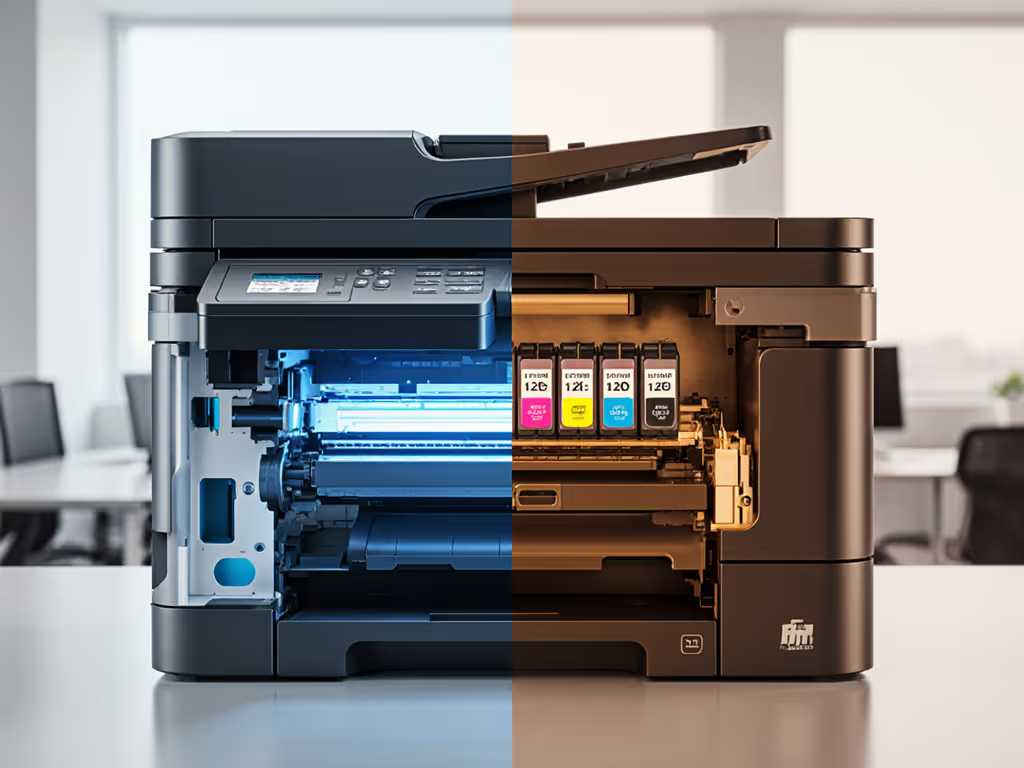
Uptime and Driver Governance: The Hidden Warranty
Laser Stability and Service Windows
Brother laser multifunction systems (including the MFC-L8905CDW) follow a predictable maintenance calendar. Drums (waste toner containers, imaging units) and fusers are replaced every 100,000 pages. Rollers and separation pads are wear items replaced during scheduled maintenance kits (typically every 200,000 pages). Maintain optimal temperature and humidity to prevent fusing and paper handling issues. Because Brother uses standard Windows/Mac/Linux drivers and does not lock cartridges to firmware serial numbers, third-party maintenance and refurbished parts are viable backup options if supply is disrupted. Set a regular cadence for firmware updates across the fleet to maintain security without disrupting uptime.
Risk Register Note: Laser uptime hinges on:
- Room temperature stability (humidity >80% or <20% causes fusing issues)
- Preventive maintenance kit deployment on schedule (do not skip)
- Driver updates that are backward-compatible (Brother's track record is solid; firmware does not block third-party supplies)
Inkjet Consumption and Surprise Maintenance
HP OfficeJet Pro systems depend on regular ink supply and nozzle health. Nozzles can clog if the printer sits unused for >2 weeks; unclogging cycles consume extra ink. Cartridges have dynamic date codes, and HP firmware sometimes rejects third-party cartridges after updates, which can trigger downtime and extra support steps.
Related Articles