Xerox VersaLink C7100 Review: Creative Team Printing
By Jonas Müller • 19th Mar
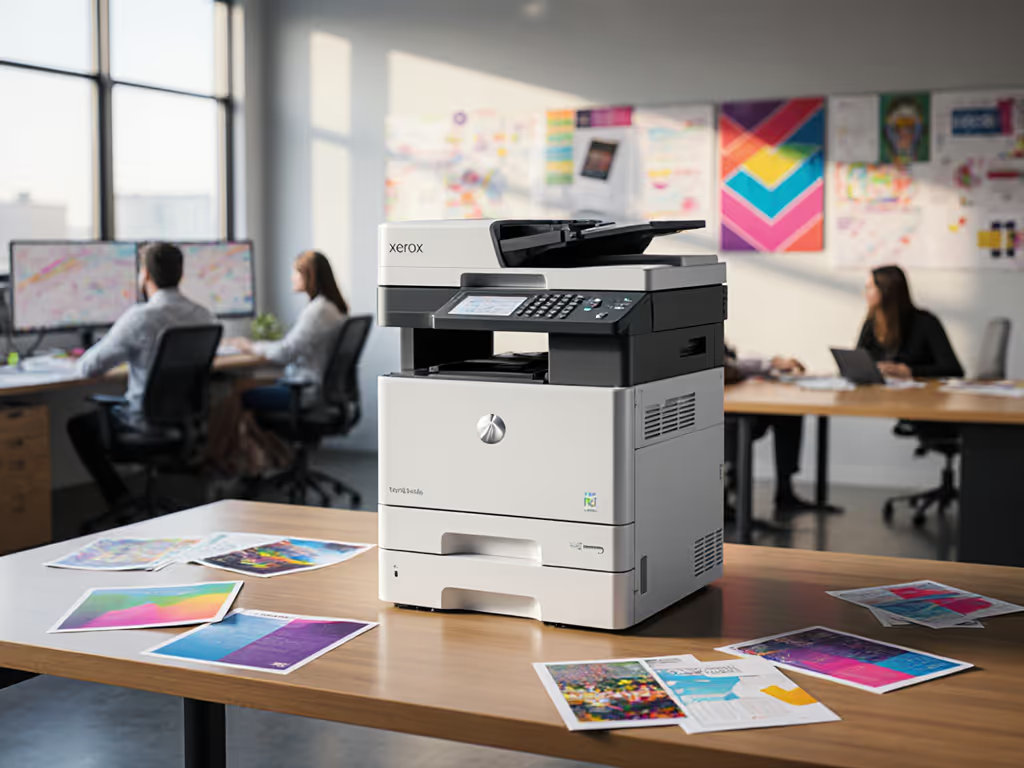
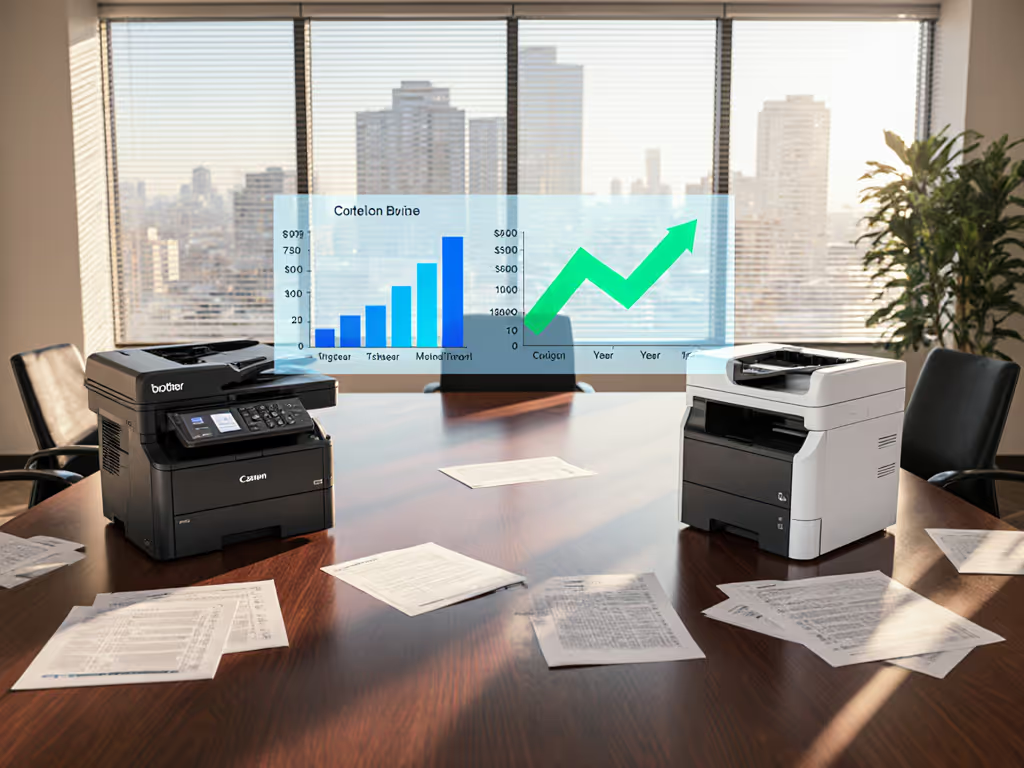
A Xerox VersaLink C7100 review for creative teams starts with one honest truth: most offices buy the wrong color printer. They either overspend on enterprise systems that sit idle, or they underscore capacity and hit jams during launch deadlines. The creative team printer question isn't just about print speed or color, it's about whether the device matches actual workflow, cost, and uptime reality.
The VersaLink C7100 series (C7120, C7125, C7130) offers three duty-cycle tiers: 87,000 to 129,000 pages monthly. Before evaluating whether this family fits your creative department, you need to first answer whether you've sized the fleet correctly. That's where many projects stumble. If this sizing step is new, start with our printer duty cycle guide to match capacity to real workloads.
Right-Size Before Right-Buy
Operations leaders often inherit fragmented fleets, an A3 color device here for proofs, an A4 black-and-white workhorse there for admin. Creative teams then queue jobs across both, causing delays and complaints. The real efficiency gain comes from asking: What volume, document type, and output format does each role genuinely produce monthly?
One city office I observed ran three hot, loud A3 color devices in a centralized location for largely letter-size tasks. After a workflow audit, we right-sized to two efficient A4 duplex units closer to user clusters, added recycled paper streams, and scheduled sleep modes by floor occupancy patterns. The result: energy consumption fell by double digits, toner freight consolidated into fewer supplier trips, and staff noted fewer heat and noise stress points, with measurably faster wake-up times from sleep mode. That's the practical connection: sustainability wins when it simplifies workflows and stabilizes costs.
The VersaLink C7100 series supports this principle. All three models feature a 130-sheet duplex automatic document feeder (DADF) at 80 impressions per minute, enabling batch scanning of two-sided originals without manual intervention. This alone cuts scan time and metadata errors for archives. Monthly duty cycles scale linearly with speed: the C7120 at 20 ppm suits smaller creative shops (10-15 users), the C7125 at 25 ppm fits mid-tier departments (20-35 users), and the C7130 at 30 ppm handles high-volume operations or shared production centers. Right-sizing to the lower tier when it fits workload prevents overheating, reduces toner waste, and lowers per-page costs.
Core Capabilities for Creative Workflows
Print Resolution and Color Accuracy
The C7100 series delivers up to 1200 × 2400 dpi color print resolution, which meets design proof and marketing collateral standards. This is meaningful: it's sufficient for Pantone color accuracy testing in controlled environments, especially when paired with ICC profile management and calibration workflows. The series also supports variable color correction (lightness, contrast, saturation, and balance) directly from the driver or via the Xerox Extensible Interface Platform. This means your design team can tweak output without returning to the press or resubmitting jobs.
All models feature concurrent scanning and printing, critical for creative teams juggling intake and output. While a designer uploads proofs, the machine scans incoming artwork simultaneously. No job queueing stalls.
Scanning and Cloud Integration
Creative workflows live in the cloud now. The C7100 scans at up to 80 ipm (simplex and duplex) in both black-and-white and color, with optical resolution to 600 × 600 dpi and 24-bit color depth. Crucially, it routes directly to cloud repositories (Dropbox, OneDrive, Google Drive) via optional apps, and supports searchable PDF via OCR, single and multi-page TIFF/PDF, and password-protected formats. For end-to-end workflows in Microsoft 365 and Google Workspace, see our secure cloud printing integration guide.
For a marketing department managing brand assets, this means a folder of campaign sketches arrives scanned, OCR'd, and filed in SharePoint automatically. The metadata layer is simplified: the unit handles Scan to Home naming, unified address book, and SMTP routing, reducing the helpdesk load for driver confusion.
Finishing and Media Handling
Creative output often demands more than staples. The optional Office Finisher provides three-position stapling, a 500-sheet stacker, and optional hole punch. The Booklet Maker simplifies saddle-stitch production, useful for in-house marketing collateral, event guides, or internal reports. The bypass tray accepts custom media sizes from 3.5 × 3.87 inches to 11.69 × 17 inches, supporting unusual card stock, textured sheets, or oversized proofs. For reliable labels, envelopes, and heavy stocks, follow our specialty media printing guide to prevent jams and smearing.
This moves finishing in-house and kills a common pain point: teams waiting for external production or manually performing error-prone binding. Finished goods arrive predictably, reducing turnaround and overhead.
Cost Predictability and TCO
The hidden-cost trap snares most procurement decisions. For a full framework beyond sticker price, use our total ownership cost guide to model five-year spend. A $40,000 color MFP sticker price hides $120,000+ over five years in consumables, maintenance kits, and service calls if staffed at enterprise rates.
For the C7100 series, transparency requires three data points:
Monthly Duty Cycle Alignment: The C7130's 129,000-page ceiling is annual volume divided by 12 months. If your creative department prints 60,000 pages monthly, the C7130 stays within spec. Undersizing (choosing the C7120) forces overuse and speeds aging. Oversizing (if you're truly 30,000 pages monthly) inflates upfront cost. Audit usage for three months before committing.
Per-Page Consumable Cost: Toner, drums, and fusers vary by model. Request itemized replacement costs from your supplier, not just list price. A 5-cent differential per page across a 60,000-page monthly footprint is $3,000 annually, meaningful enough to shift model choice.
Maintenance and Parts Availability: The VersaLink C7100 family uses modular components: hard drives, memory, processors are standard, reducing specialty parts inventory. Confirm your service partner stocks common wear items (pickup rollers, separation pads) on-site rather than overnighting them. A one-hour delay on a shared production device is $500+ in lost throughput.
Before-and-after cost mapping works. Month one: track all expense (sticker, installation, initial toner). Months 2-12: meter monthly consumable spend and service hours. By year two, you'll know actual per-page cost and whether the duty-cycle estimate holds. This data, not speculation, justifies refreshing or right-sizing next.
Energy and Sustainability Metrics
The C7100 series carries standard Xerox compliance: networked wake-from-sleep in milliseconds (as fast as 5.4 seconds black-and-white, 7.0 seconds color), duplex defaults, and draft mode for proof cycles. But "compliance" alone is hollow; measured impact is what matters.
The real lever is policy. To operationalize these settings, follow our sustainable office printing playbook for policies that cut waste and risk. Duplex defaults (two-sided printing and copying) cut paper consumption and toner by roughly 40% if enforced across the fleet. Draft mode for in-progress proofs shaves toner spend 20-30%. Sleep scheduling (powering down devices during low-traffic hours) saves 10-15% annual energy depending on shift patterns. None of these are unique to the C7100, but all require explicit setup and monitoring.
If your firm values EPEAT Gold or Blue Angel certification (as I prefer when TCO remains competitive and uptime is proven), confirm your VersaLink configuration qualifies before purchase. Standard units often do, but optional modules (extra paper trays, finishers) may push power draw above thresholds. Request the certified datasheet, not marketing claims.
Energy and waste reduction tie directly to operational stability: lower toner usage means fewer supply-chain hiccups, fewer cartridge changeovers means less downtime, and lower energy consumption reduces facility strain during peak demand, all outcomes that simplify workflows and stabilize costs.
Deployment Essentials: Workflow Matching
A smooth rollout hinges on mapping device features to real tasks:
Task 1: Marketing Collateral Proofs Designer submits work via cloud; unit prints at 1200 × 2400 dpi to glossy stock via bypass tray. Color corrections applied via ICC profiles. Finished via Office Finisher (saddle-stitch booklets). Time to first proof: 15 minutes. Beats external vendor by days and cost.
Task 2: Brand Asset Archival Incoming artwork (physical sketches, printed samples) scanned at 80 ipm, duplex, OCR'd, stored in OneDrive with searchable metadata. Batch job: 100 pages in 2.5 minutes. No manual filing; audit trail automatic.
Task 3: Internal Reporting and Distribution Finance or HR drafts multi-page documents, prints duplex, auto-staples via Office Finisher, and distributes. Shift defaults to draft mode for internal circulation; full-color for executive deck. Policy enforcement prevents excess color spend.
Task 4: Cross-Functional Sharing Scanned documents route via fax forward to email, SFTP, or SharePoint, with no intermediate steps. Legal, compliance, and creative teams access versioned, date-stamped originals instantly.
Each task benefits from the C7100's concurrency feature: simultaneous scanning and printing, copy and print, fax forwarding and archival. No wait-in-queue frustration, a major friction reducer in creative environments where deadlines compress.
Choosing Your Tier
C7120 (20 ppm, 87,000-page monthly duty): Ideal for design studios, boutique agencies, or in-house creative departments under 15 users with predominantly proof and asset-archival workflows. Capital cost is lowest; energy draw is modest.
C7125 (25 ppm, 107,000-page monthly duty): The practical middle ground for mid-size marketing, creative, or print-production departments. Handles mixed color proofing, bulk scanning, and administrative print without strain. Slightly higher energy use than the C7120, but page cost often equals or beats it due to higher volume efficiency.
C7130 (30 ppm, 129,000-page monthly duty): For shared production centers, large creative teams (40+ users), or departments with heavy external client deliverables. Fastest first-print time (7.0 seconds color) reduces user frustration. Highest absolute energy draw, but lowest per-page cost at high volumes.
Assess real usage first. If historical logs show your department averages 35,000 pages monthly, a C7125 will sit below its duty-cycle limit with overhead for seasonal peaks, the safest sizing. Pushing a C7120 to 70,000+ pages monthly courts jams, premature wear, and heat-related failures.
Actionable Next Steps
Decision-making clarity comes from structured data, not vendor presentations:
- Conduct a 90-day usage audit. Deploy tracking via existing print-management software (PaperCut, Pharos, Enviaya) or request a loaner from your prospective supplier configured with metering. Capture volume by job type, color vs. black-and-white split, peak hours, and media types. This removes guesswork from duty-cycle sizing.
- Map workflows explicitly. For each major task (proof printing, archival scanning, distribution, finishing), document current steps, time, errors, and tool handoffs. Then pilot the VersaLink C7100 for one month and re-map. Quantify time saved, error reduction, and user effort. Before-and-after metrics justify procurement and flag training gaps.
- Validate consumable costs and parts availability. Request itemized toner, drum, and fuser quotes for three years, plus service-call rates and parts-stocking agreements from your preferred partner. Plug into a TCO calculator alongside your usage data. Confirm that your selected model qualifies for EPEAT or Blue Angel if sustainability commitments are material.
- Establish post-deployment monitoring. Once deployed, meter monthly page count, color spend, toner usage, energy consumption, and helpdesk tickets. Compare against baseline and model assumptions. Adjust duplex/draft defaults, sleep schedules, or fleet configuration at 90 days to optimize cost and uptime.
- Plan for next refresh. Define your replacement cycle (typically 3-5 years for mid-market) and trigger points (duty-cycle creep, maintenance spike, new compliance need). Right-size before right-buy: every refresh is an opportunity to correct earlier oversizing or undersizing and fold in lessons learned.
The VersaLink C7100 series is a capable, flexible platform for creative and production teams, but only if sized, configured, and monitored against real workflow reality. Sustainability and operational stability share the same metrics when measured honestly. A right-sized device that maintains uptime and lowers total cost is the real win.
Related Articles