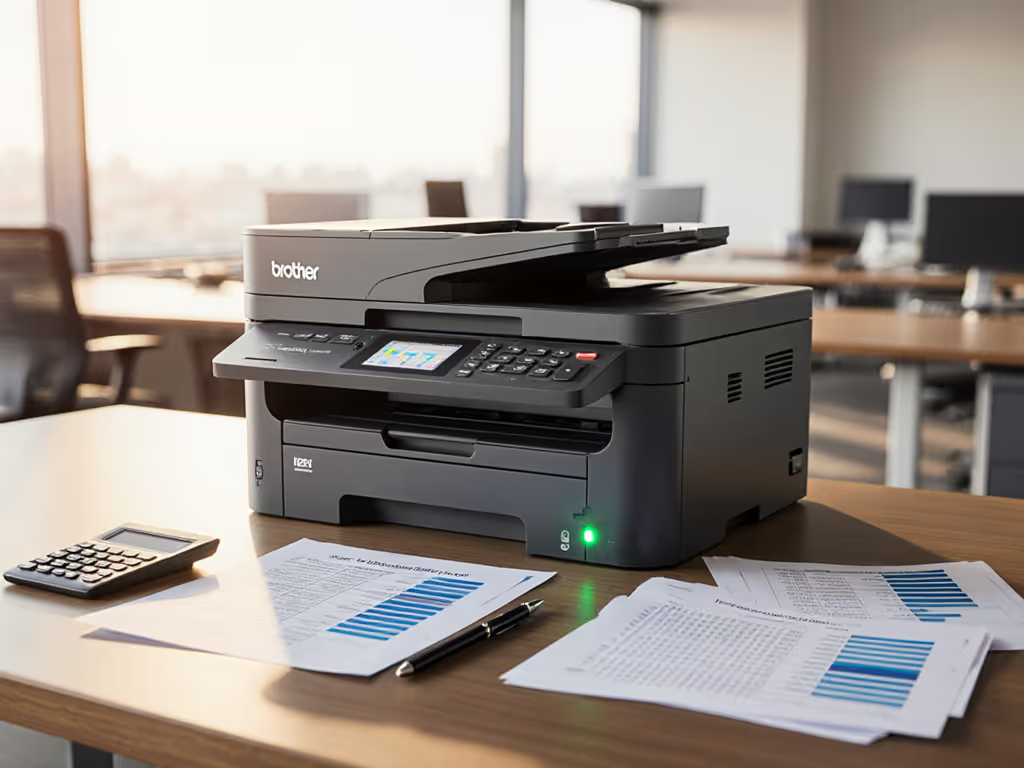
HP OfficeJet Pro 8025e Review: Small Office, Real TCO
By Maya Chen • 2nd Jun
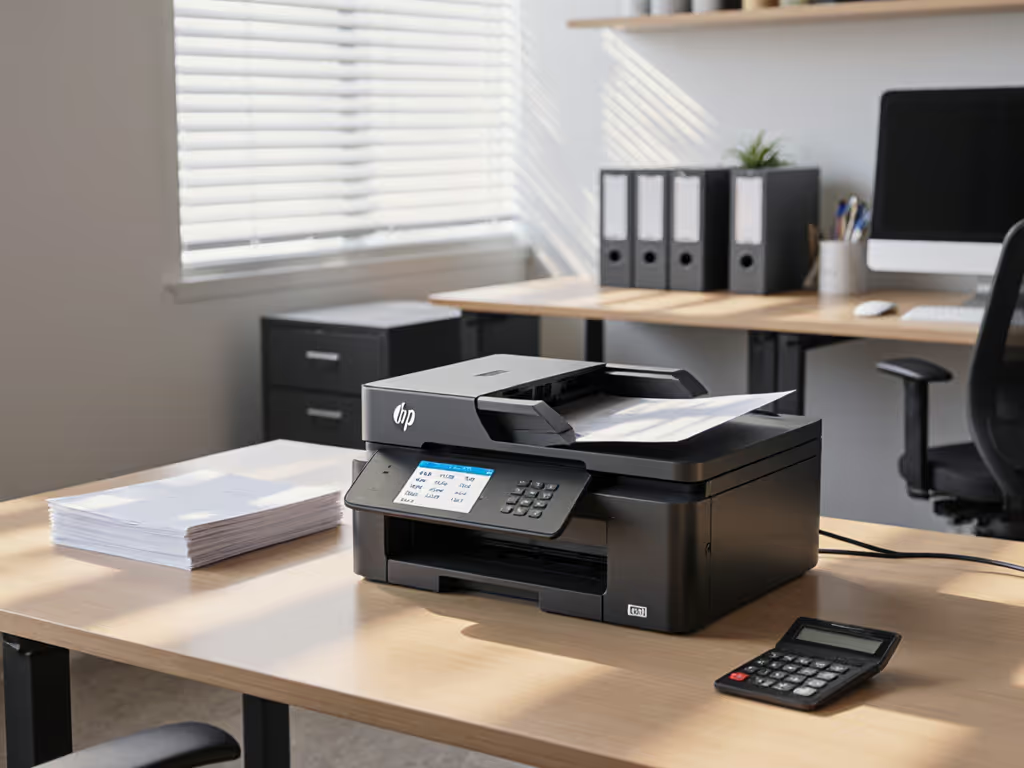
This HP OfficeJet Pro 8025e review looks at the device the way an IT or ops lead does: as a potential small home office printer node in a standardized fleet, not as a gadget. We'll walk through workflow fit, hidden costs, and risk areas so you can decide whether to standardize on it for WFH, micro-sites, or small teams.
Map the job, then spec the device.
I'm not interested in brochure gloss; I'm interested in whether the 8025e helps you hit uptime, security, and TCO targets for 3-5 years. In one healthcare rollout, replacing three models with two standard drivers cut tickets by 38% over six months - not because the hardware was flashy, but because the workflows were aligned. That's the lens I'll apply here.
1. What the HP OfficeJet Pro 8025e Is (and Isn't)
The 8025e is an inkjet all-in-one aimed at home offices and very small teams: print, scan, copy, fax, auto duplex, plus a sheet feeder for scan/copy. HP positions it squarely for "small business and home office" use, not as a departmental workhorse.
From HP's own specs and hands-on reviews:
- Engine type: Color inkjet all-in-one (print/scan/copy/fax).
- Speed: Up to 20 pages per minute black and 10 ppm color (ISO), which independent reviewers confirm in real-world testing.
- Duplex: Automatic two-sided printing to cut paper usage.
- ADF: 35-sheet automatic document feeder for multi-page scan/copy.
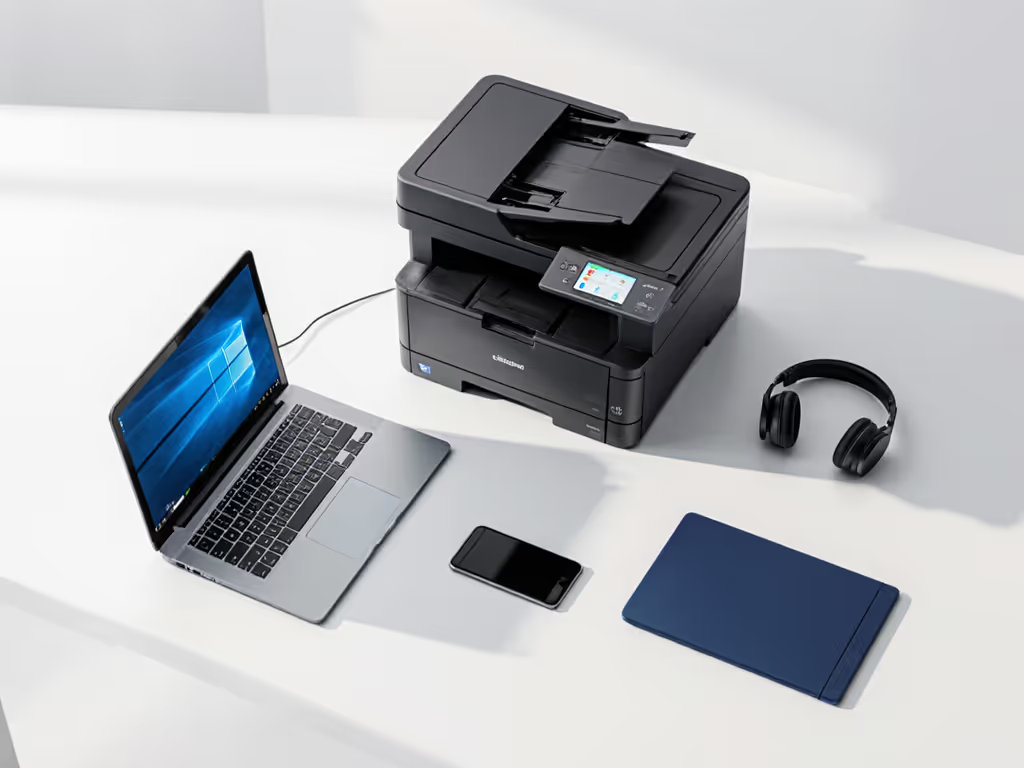
- Connectivity: USB, Ethernet, Wi-Fi, and mobile printing via HP's apps and standard OS support.
- Positioning: Marketed for home offices and small businesses, often bundled with HP+ and several months of Instant Ink.
So who is this really for in an SMB or multi-site environment?
- Remote executives printing contracts, board decks, and scanned approvals
- Solo practitioners (tax, legal, medical, consulting) with modest color needs
- Micro-offices (2-4 people) that mostly scan and occasionally print
- Branch or lobby desks that need ad-hoc print/scan but not production volume
Where it is not a fit:
- Core device for a 10+ person pod
- Sites routinely doing 1,000+ pages/month or heavy color decks
- Label-heavy, barcode, or specialty stock environments
Uptime and driver sanity matter more than brochure speeds. If you're modeling multi-year expenses, see our total printer ownership cost guide. For many of you, the key decision is whether the 8025e is a good remote work printing solution and whether it should be a standard WFH node in your driver stack, not whether it can technically print a glossy flyer.
2. Specs That Actually Matter for Fleet Planning
2.1 Engine & Speed
- 20 ppm black / 10 ppm color: This is adequate for low-volume business workflows like invoices, letters, and brief reports.
- For a WFH user doing 20-40 pages a day, jobs will complete in under a couple of minutes.
- For a 6-8 person pod, that same engine quickly becomes a bottleneck - especially if people print color decks or long reports.
From a fleet perspective, I'd size this at roughly 200-600 pages/month per device for a comfortable duty band. That's my sizing guidance, not HP's spec; HP lists a much higher maximum monthly duty cycle in its datasheet (in the tens of thousands) but that figure is always theoretical.
2.2 Paper Handling
Key points:
- Input tray: Mid-capacity tray (HP lists a single main tray; capacity is suitable for home and small-office use).
- Output: Standard small-office output bin.
- Automatic duplex: Native two-sided printing.
- ADF: 35-sheet ADF, one-pass simplex.
For typical small-office workflows:
- Daily letter/legal print? Fine.
- Occasional 20-30 page contracts or loan packages? The 35-sheet ADF handles them.
- High-volume mail-merge campaigns or bulk statements? Wrong device category.
If your intake -> process -> archive flow regularly pushes stacks of 50+ pages through a scanner, you're going to hit mechanical and user-patience limits quickly.
2.3 Scan, Copy, Fax - Workflow View
Reviews highlight that the ADF combined with HP's software allows scanning to multiple formats (PDF, JPEG, etc.) and destinations like email or local PCs.
That's enough for:
- HR onboarding packets
- Signed agreements into a DMS
- Light medical intake forms (for small practices)
However, out-of-the-box you do not get:
- Deep metadata capture (index fields, barcodes) into ECM/EMR systems
- Native, robust integrations to SharePoint/Teams/Google Drive with structured indexing
- Advanced batch/OCR tuning for high-volume scanning
You can approximate some of this with a cloud print/scan management layer on top, but then the discussion shifts from "cheap SOHO MFP" to "node in a managed service," with its own cost profile.
2.4 Connectivity & OS Support
From HP's documentation and third-party reviews, the 8025e supports wired Ethernet, Wi-Fi, and mobile printing apps; it's explicitly positioned for modern, connected home-office use. For setup choices that minimize disconnects and driver issues, follow our office printer network setup guide.
In practice, that usually means:
- Windows & macOS drivers with vendor support
- Mobile print via vendor app and common OS mechanisms
- Basic network management via web UI
Gaps to be aware of:
- ChromeOS and VDI environments may rely on generic drivers or IPP; test before standardizing.
- If your fleet strategy leans heavily on a universal driver or driverless IPP approach, validate that 8025e behaves consistently across OSes before buying 50 units.
2.5 Home Office Security Features (Reality Check)
HP+ devices are marketed with enhanced cloud-based security - things like automatic firmware updates and secure connectivity checks - on top of the usual passworded admin and encrypted network protocols. For a comprehensive checklist, review our printer security features decoded. That's based on HP's general HP+ positioning rather than details in the 8025e datasheet.
For regulated environments (HIPAA/PCI/FERPA), you should assume:
- You will still need pull printing / secure release from a third-party or cloud print solution for real auditability.
- Device-level logs and controls alone are not a complete compliance answer.
Treat the 8025e as a trusted edge device behind your existing print management and identity controls, not as a security platform.
3. WFH Printing Cost Analysis: Inkjet vs Laser over 3 Years
Let's do a WFH printing cost analysis using simple, conservative assumptions. These are planning models, not vendor promises.
Assumptions:
- 3-year horizon
- 400 pages/month per WFH user
- 70% black, 30% color
- Mix of text, some charts, minimal photos
We will compare:
- HP OfficeJet Pro 8025e on Instant Ink (subscription)
- HP OfficeJet Pro 8025e with standard cartridges (pay-as-you-go)
- A basic mono laser MFP + optional spot-color solution
I'll use round numbers based on typical retail pricing patterns; exact costs vary by region and program. For a deeper technology comparison, read our inkjet vs laser office cost analysis.
3.1 Scenario 1: 8025e with Instant Ink (Typical HP+ Bundle)
HP often bundles the 8025e with months of Instant Ink included when you enroll in HP+.
If you choose a 500-page/month tier (close to our 400 pages/month assumption):
- Year 1: trial months + 9-12 months paid
- Years 2-3: fully paid subscription
- Color and black pages cost the same; overage pages cost extra
Pros:
- Predictable cost per page
- Cartridges auto-shipped; reduced supply scramble
- Less risk of users "stretching" cartridges and degrading print quality
Cons:
- You are effectively locked into HP's supplies ecosystem for the life of the device.
- Firmware updates may be more aggressive, with the usual risk of third-party supply lockouts.
- If usage drops off (e.g., user prints 100 pages instead of 400/month), your cost/page spikes.
For many WFH users, Instant Ink can be cost-competitive with mono laser when they print color regularly. For mostly black-and-white, you're paying a premium for flexibility you may not need.
3.2 Scenario 2: 8025e with Standard Cartridges
Without Instant Ink, you're buying cartridges as needed. Manufacturer XL color/black cartridges often yield mid-thousands of pages each under ISO conditions.
What typically happens in fleets:
- Users print more color than finance expected.
- Someone always orders genuine HP last-minute at premium pricing.
- You accumulate partial cartridges when people "change early" before big jobs.
Total cost over 3 years often ends up higher and more volatile than Instant Ink for color-heavy users, and similar or slightly higher than a mono-laser-plus-spot-color setup for mostly black printing.
3.3 Scenario 3: Basic Mono Laser MFP for WFH
A small mono laser MFP will usually offer:
- Lower black-only cost per page than any color inkjet
- Higher duty cycle and better endurance for text-heavy workloads
- Less risk of dried-out cartridges for sporadic users
You lose:
- On-device color printing
- Some of the "all-in-one" simplicity if you also need color (you'll route that to a shared color device or online service)
For policy-driven environments (legal, finance, logistics), mono laser WFH nodes often win TCO because they force correct behavior: 95% of WFH output is black-and-white line of business documents anyway.
3.4 Rough Comparative TCO View
| Option | Strength | Weakness | Who it fits |
|---|---|---|---|
| 8025e + Instant Ink | Predictable cost/page, color included, supply automation | HP+ lock-in, subscription drag if usage drops | WFH users with steady color needs (consultants, marketing, design-adjacent roles) |
| 8025e + standard cartridges | No subscription, flexible usage | Volatile spend, risk of emergency orders, user behavior sensitive | Very small firms without procurement discipline |
| Mono laser MFP (WFH) | Low black CPP, robust engine, simple policy (B/W only) | No on-device color, may need centralized color device | Regulated and cost-sensitive teams (finance, legal, logistics) |
If you're building a WFH standard for 50+ users, I would model both "8025e + Instant Ink" and "mono laser WFH node + shared color" and compare 3-year program costs, not just device prices.
4. Workflow Fit: Where the 8025e Shines (and Struggles)
I always start with the workflow map: intake -> process -> archive.
4.1 Strengths
The 8025e fits well for these patterns:
- Low-volume intake scanning - ADF can handle multi-page forms; scan to PDF/email is sufficient for many small offices.
- Ad-hoc color output - Occasional client-facing pages, simple charts, branded letterhead.
- Hybrid work - A WFH user can print, sign, and scan contracts back to the core system without visiting a central office.
- Micro-sites - Satellite offices with 2-4 staff handling light documentation can run fine off a single device.
In these scenarios, the 8025e is a good small business printer from a feature standpoint, provided volume stays modest and you manage color usage.
4.2 Gaps
Where it does not match enterprise-grade workflows:
- High-volume scanning into ECM/EMR - No advanced, field-level indexing on device; you're relying on user discipline and downstream tools.
- Label and barcode work - Inkjets are notoriously inconsistent on label stocks and synthetic media; smearing and curl are recurring complaints in similar models.
- Complex finishing - No stapling, hole-punch, or booklet; your staff will be manually assembling packs.
If your pain points include label/barcode reliability, finished document packs, or scan metadata quality, this is the wrong device class. See our specialty media printing guide for label, envelope, and cardstock reliability tips.
5. HP OfficeJet Pro 8025e vs Other Small Office Options
To keep this a true multi-product style review, let's position the 8025e against two other archetypes you might deploy:
- A business-class color laser MFP (floor or robust desktop)
- A mono laser MFP WFH standard plus shared color in the office
5.1 Comparative View
| Device Type | Pros | Cons | Recommended Role |
|---|---|---|---|
| HP OfficeJet Pro 8025e | Low acquisition cost, color capable, ADF, auto duplex, HP+ and Instant Ink options. | Inkjet consumable costs, HP+ lock-in risk, lower duty comfort band, basic scanning workflows | WFH power users, solo practitioners, micro-offices under ~600 pages/month |
| Business color laser MFP | High duty cycle, lower color CPP at scale, better paper handling and finishing options, stronger enterprise features | Higher upfront cost, bigger footprint, often overkill for a single WFH user | Core office hubs, pods of 10-30 staff, shared production of color decks |
| Mono laser MFP (WFH standard) | Lowest black CPP, robust engine, simple behavioral controls (B/W only), generally easier to stock toners | No local color, may require user education to route color jobs | Standard WFH node for regulated or cost-sensitive environments |
In the six-month healthcare rollout I mentioned earlier, we ended up with a two-tier model: light WFH nodes plus robust in-office MFPs, all on standardized drivers and scan shortcuts. Devices in the 8025e class played the "edge node" role - not the core.
That pattern scales better than trying to make a SOHO inkjet your default for everything.
6. Risk Register: What Could Go Wrong If You Standardize on 8025e
Here's the part most marketing material skips.
6.1 Firmware & Supply Lock-In
With HP+ and Instant Ink, you're opting into a tight linkage between firmware and genuine HP supplies.
Risks:
- Future firmware updates could disable third-party cartridges, removing a cost-control lever.
- Emergency sourcing during supply disruptions becomes harder if only genuine HP chipped cartridges work reliably.
Mitigation:
- Treat HP+ enrollment as an explicit policy decision, not a default.
- Negotiate supply terms or use a managed print provider that absorbs this risk.
6.2 Driver & OS Fragmentation
Inkjet SOHO models often receive shorter driver attention than enterprise MFPs. Over a 3-5-year cycle, you may see:
- Lagging macOS driver updates
- ChromeOS and VDI relying on generic drivers with reduced features
Mitigation:
- Standardize on a universal driver or cloud print layer where possible, and validate the 8025e thoroughly before large rollouts.
- Limit the 8025e to WFH or edge roles where driver variance is easier to tolerate.
6.3 Volume Creep and Early Failure
If a "small office" device is deployed into a 7-10 person team with no controls, total volume can quietly creep past comfort levels.
Symptoms:
- More jams and misfeeds
- Ink consumption spikes
- User frustration + ticket volume
Mitigation:
- Cap recommended monthly pages for each device in writing.
- For any location that needs >800-1,000 pages/month reliable output, move up to a business-class laser MFP instead of stacking inkjets.
6.4 Security & Compliance Assumptions
The presence of HP+ and encrypted protocols does not equal compliance.
Risks:
- No secure release: printed PHI/PII can sit on the tray.
- Limited logging and audit trail from the device alone.
Mitigation:
- Use the 8025e behind your existing cloud print/security stack.
- Deploy secure release and auditing where PHI/PII or sensitive financial data is printed.
7. Final Verdict: Should You Buy (or Standardize On) the 8025e?
From a workflow-first, TCO-focused perspective, here is where the HP OfficeJet Pro 8025e makes sense - and where it doesn't.
7.1 Strong "Yes" Scenarios
Choose the 8025e when:
- You need a small home office printer for a remote professional who:
- Prints <600 pages/month
- Needs reliable color, but not production quantities
- Values scan-to-email/PDF more than complex finishing
- You're building a remote work printing solution where:
- WFH devices are edge nodes, not core workflow engines
- You can enforce sensible page-tier choices for Instant Ink
- You have a plan for secure print and document handling at the user's location
- You want a good small business printer for a 2-4 person micro-office that already sends heavy jobs to a central MFP or print provider.
7.2 "Maybe, But Be Careful" Scenarios
Use with caution when:
- You're considering the 8025e as the default device for a 10-20 person team.
- You operate in tightly regulated verticals (healthcare, finance, government) but don't have a cloud print/security layer in front of it.
- Your finance team is hypersensitive to per-page color cost and expects mono-laser economics from a color inkjet.
In these cases, you can still deploy the 8025e, but only as part of a tiered fleet with clear volume ceilings and policy controls.
7.3 "No" Scenarios
Look elsewhere if:
- A site needs 1,000+ pages/month of reliable print - especially in color.
- Your workflows require labels, barcodes, or specialty media on a daily basis.
- You need finishing (stapling, hole-punch, booklets) to remove manual steps.
- You want a small number of heavily used, long-lived devices that will be maintained over many OS generations.
In these situations, a business-class color laser MFP or a mono laser + shared color strategy will give you better uptime, clearer TCO, and fewer surprises.
Bottom Line
If you treat the HP OfficeJet Pro 8025e as a low-volume edge node - for WFH and micro-offices - and model your 3-year costs (including Instant Ink, supplies risk, and driver management), it can absolutely earn a place in a standardized fleet.
If you try to make it your all-purpose office workhorse, it will eventually remind you why standardization and right-sizing matter: uptime and driver sanity matter more than brochure speeds.
Related Articles